Configure an Interface
Create a ProductInfo interface by following the steps mentioned below.
-
Navigate to Experience module, and right-click on Interfaces folder as seen in the explorer menu.
-
Select Add Interface and configure the following properties:
Property Value Screen Metadata Screen Name ProductInfo Screen Type Interface Path Description Parent Layout Header Landing Page Dirty Check Guard Yes CSS Class Is Active Yes
Configure Models
Configure the following models in the ProductInfo interface.
To do so, follow the steps as mentioned below:
- Navigate to Models folder within created ProductInfo interface.
- Right-click and select Add, and configure the properties for each of the models.
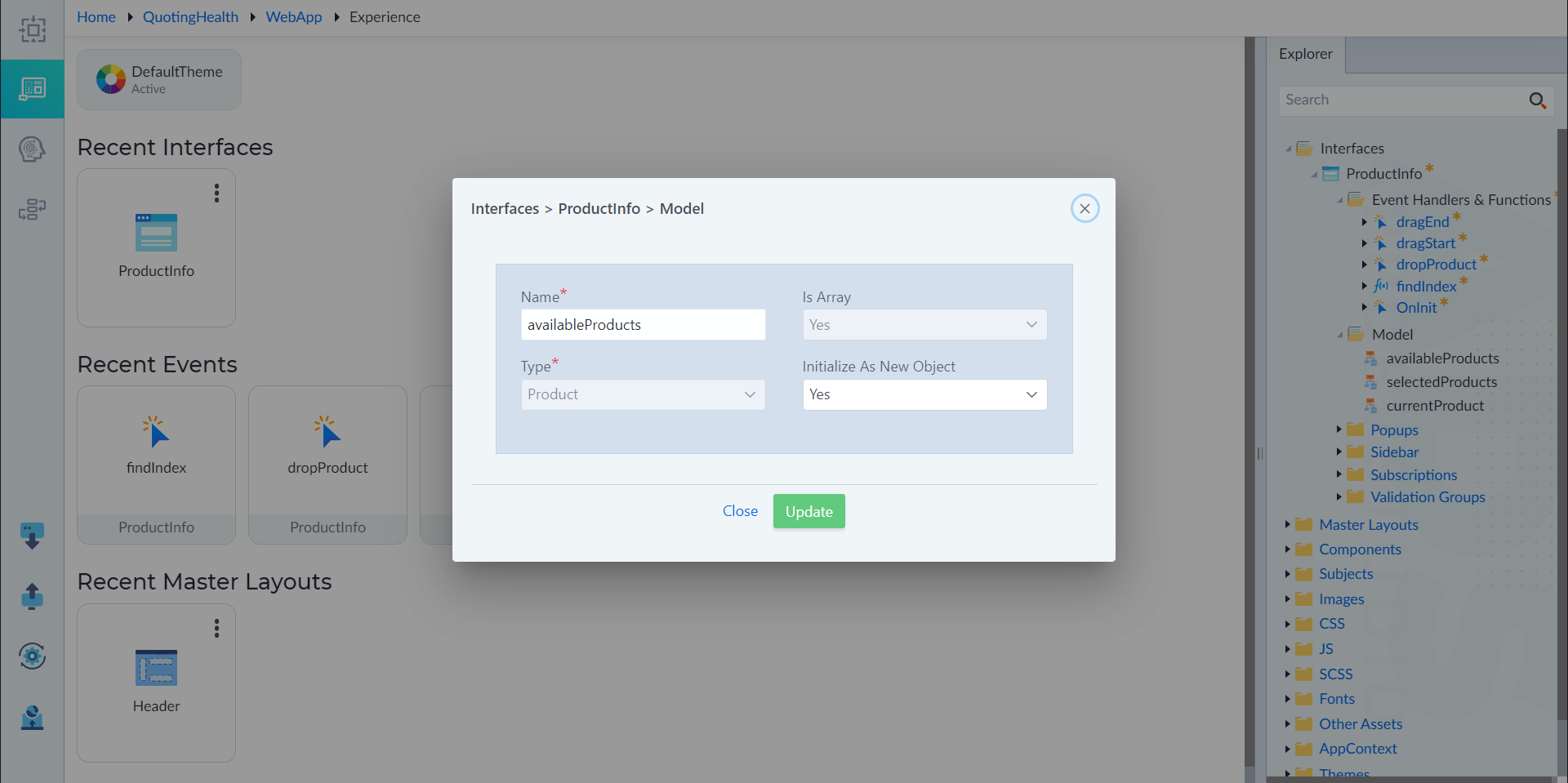
a) availableProducts
Input values for the following properties, as applicable:
- Name: availableProducts
- IsArray: Yes
- Type: Product
- Initialize As New Object: Yes
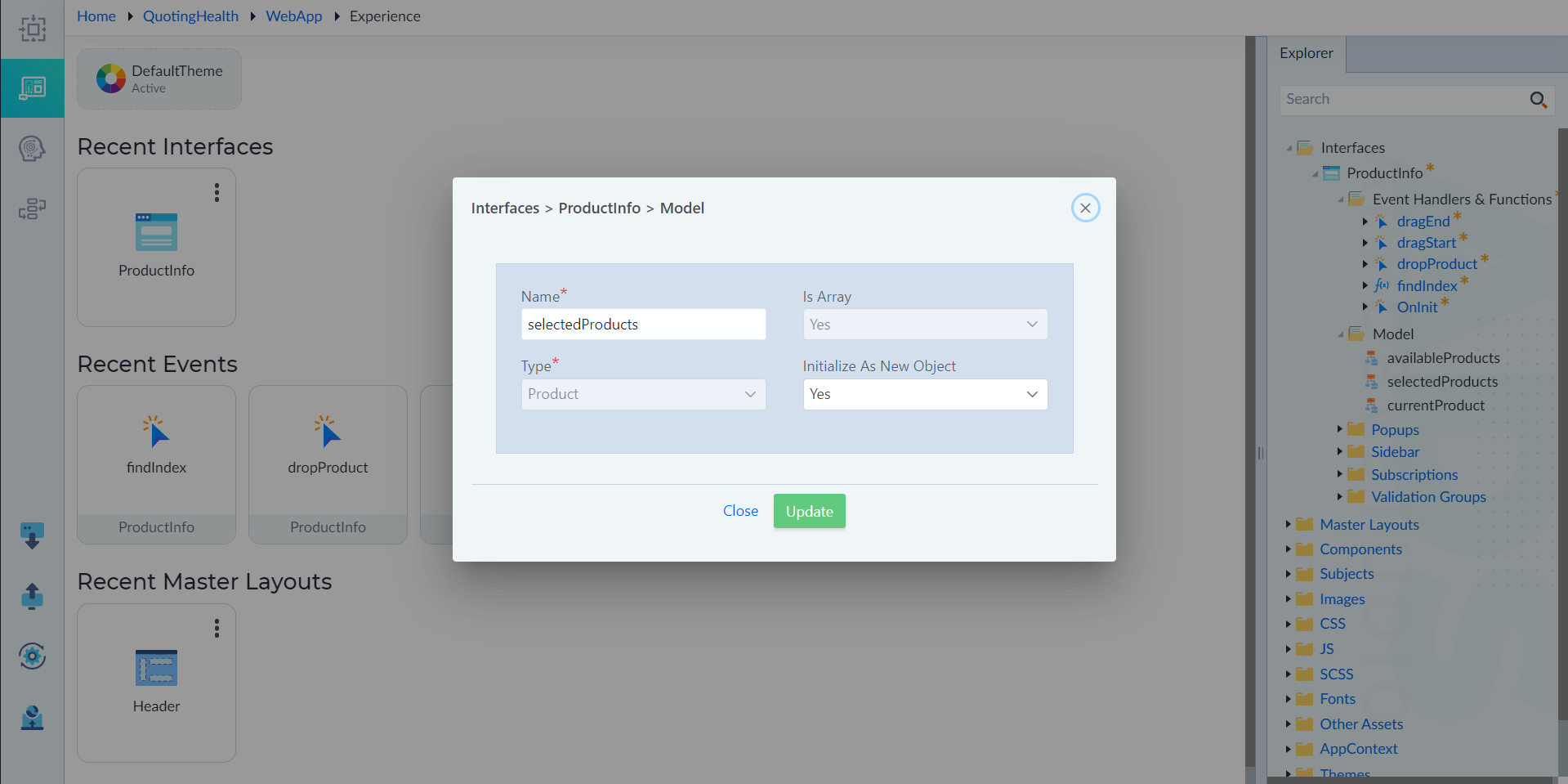
b) selectedProducts
- Name: selectedProducts
- IsArray: Yes
- Type: Product
- Initialize As New Object: Yes
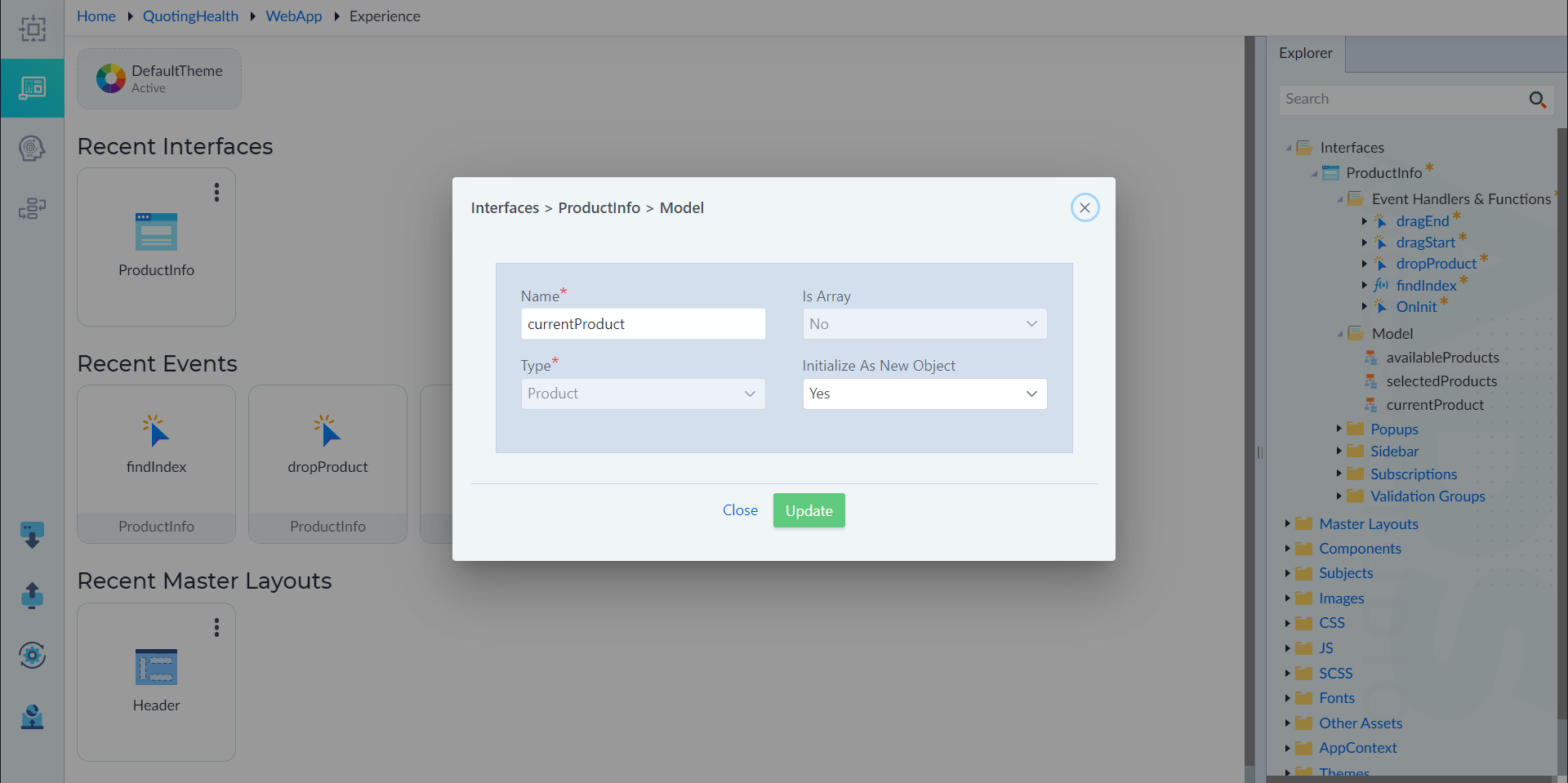
c) currentProducts
- Name: currentProducts
- IsArray: No
- Type: Product
- Initialize As New Object: Yes