Implement Chart Widget
The following sections provides information to implement a chart widget.
Following are the pre-requisites for a chart:
- Model.
Create a Model
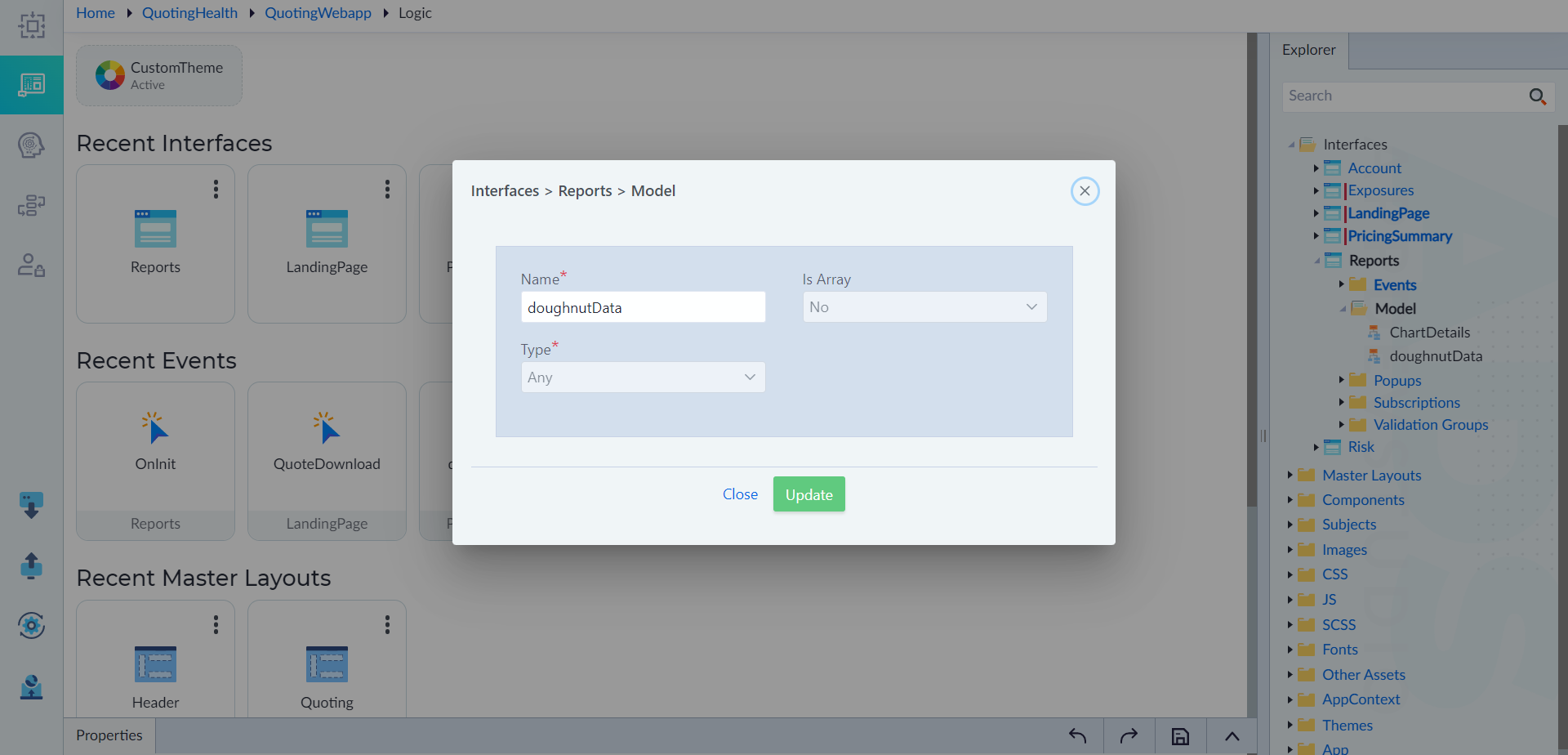
In an interface where the chart needs to be created, follow the steps given in Model to create a model. Here a model is created with name as "doughnutData" and data type as "Any".
Assign Data
Follow the below steps to manually assign data to a chart for this example.
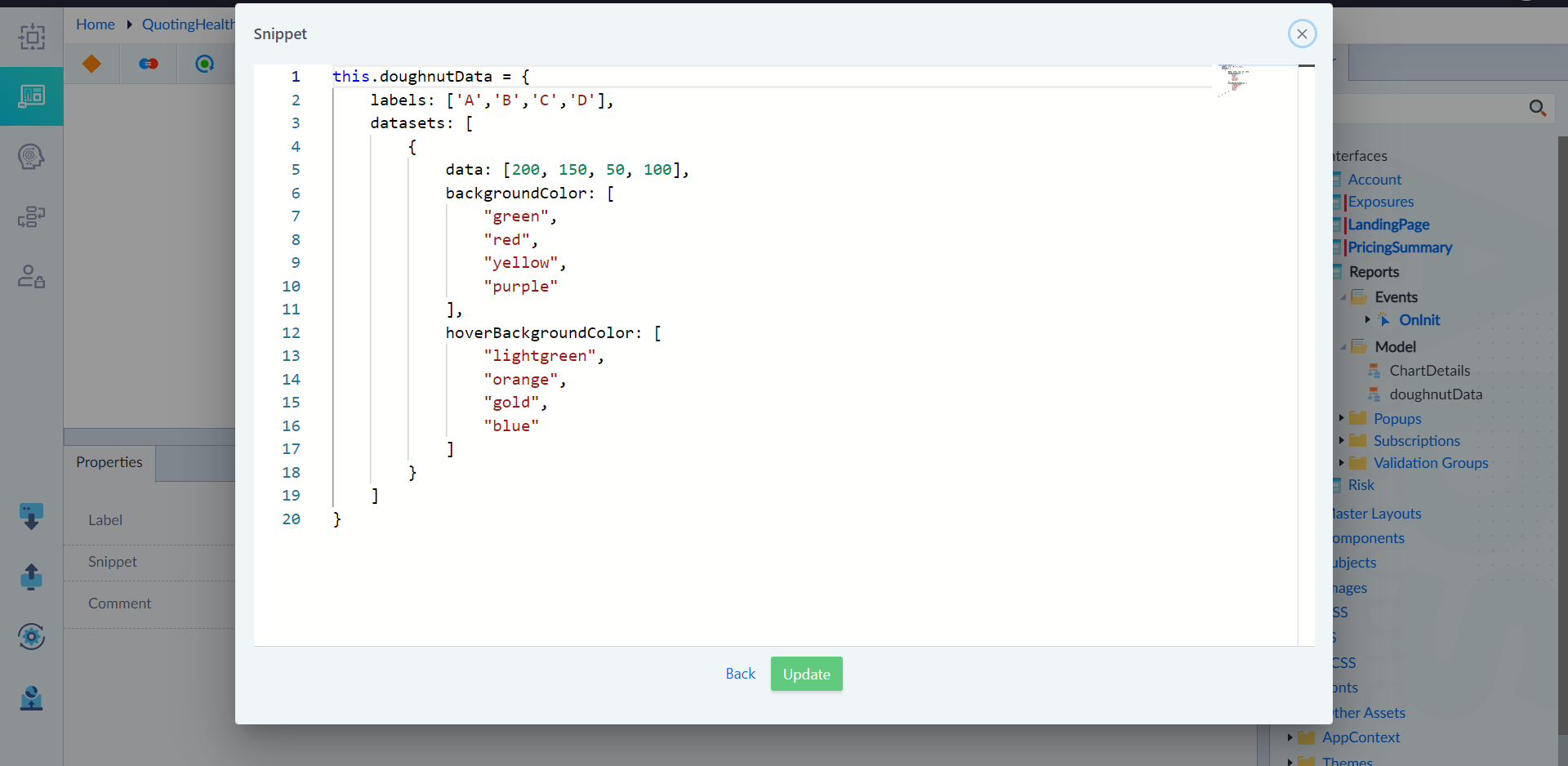
- Open the OnInit event of an interface and add TS Snippet construct in the flow.
- Add the snippet as required to provide the data and save the snippet. Here it is given as below. this.doughnutData = { labels: ['A','B','C','D'], datasets: [ { data: [200, 150, 50, 100], backgroundColor: [ "green", "red", "yellow", "purple" ], hoverBackgroundColor: [ "lightgreen", "orange", "gold", "blue" ] } ] }
Note: To add data in the snippet, follow the instructions given in Chart.js documentation and Charts.
Configure Doughnut Chart Widget
Follow the below steps to implement chart.
- Open the layout and add the chart widget.
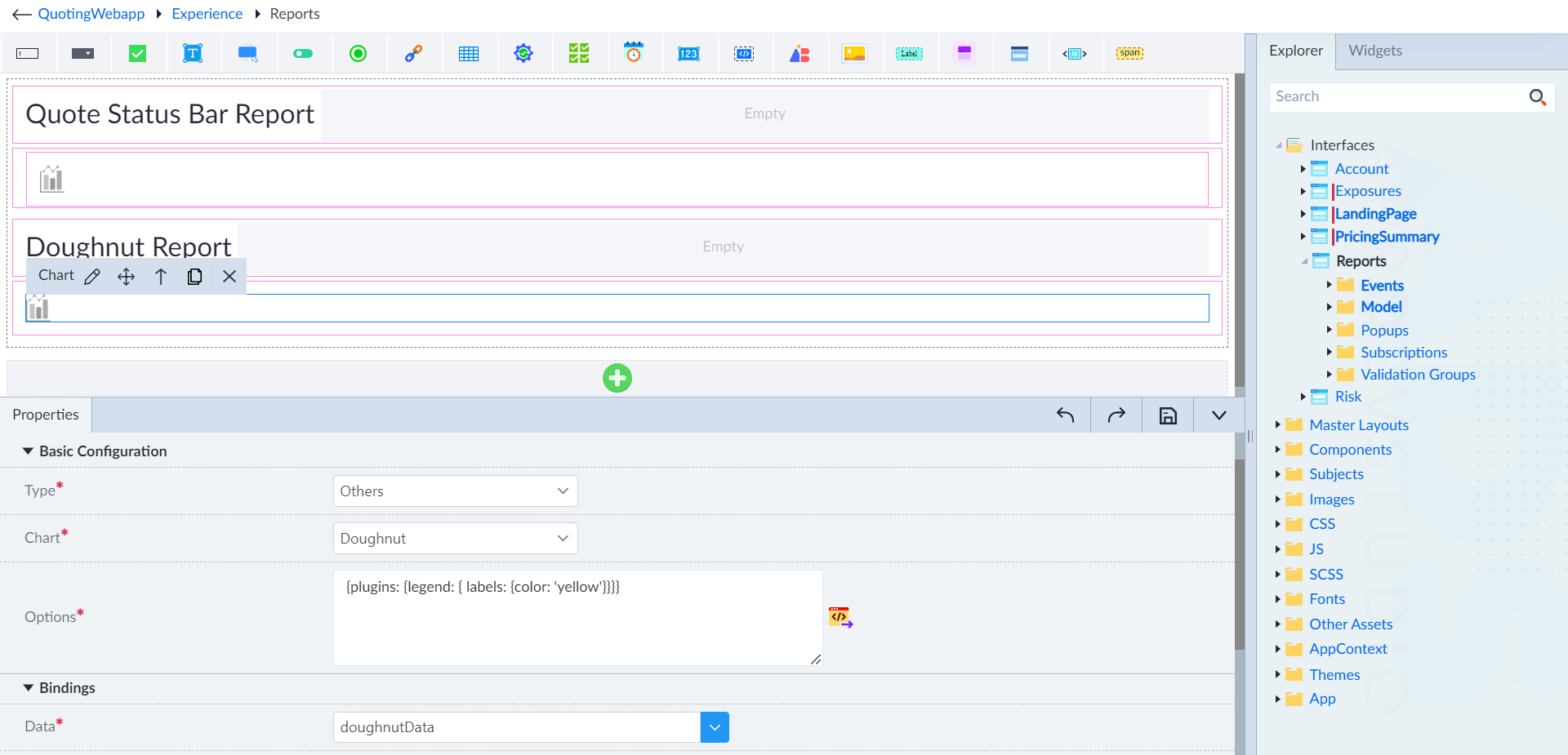
- Configure the properties as required. In this example, provide the type as Others, chart as Doughnut, options as required and data as doughnutData. Here the options are populated automatically based on type of chart selected.
- Save the layout.