Import and Use Fonts
In the context of quoting health application, it is required to apply a specific font to show the variation in the content. The below sections provide information to use a specific font in an application.
To import the "inter" font into an application, follow the steps given in the Upload Fonts section of Upload Assets.
Use the font in an Interface
Follow the steps to use a custom font in an application.
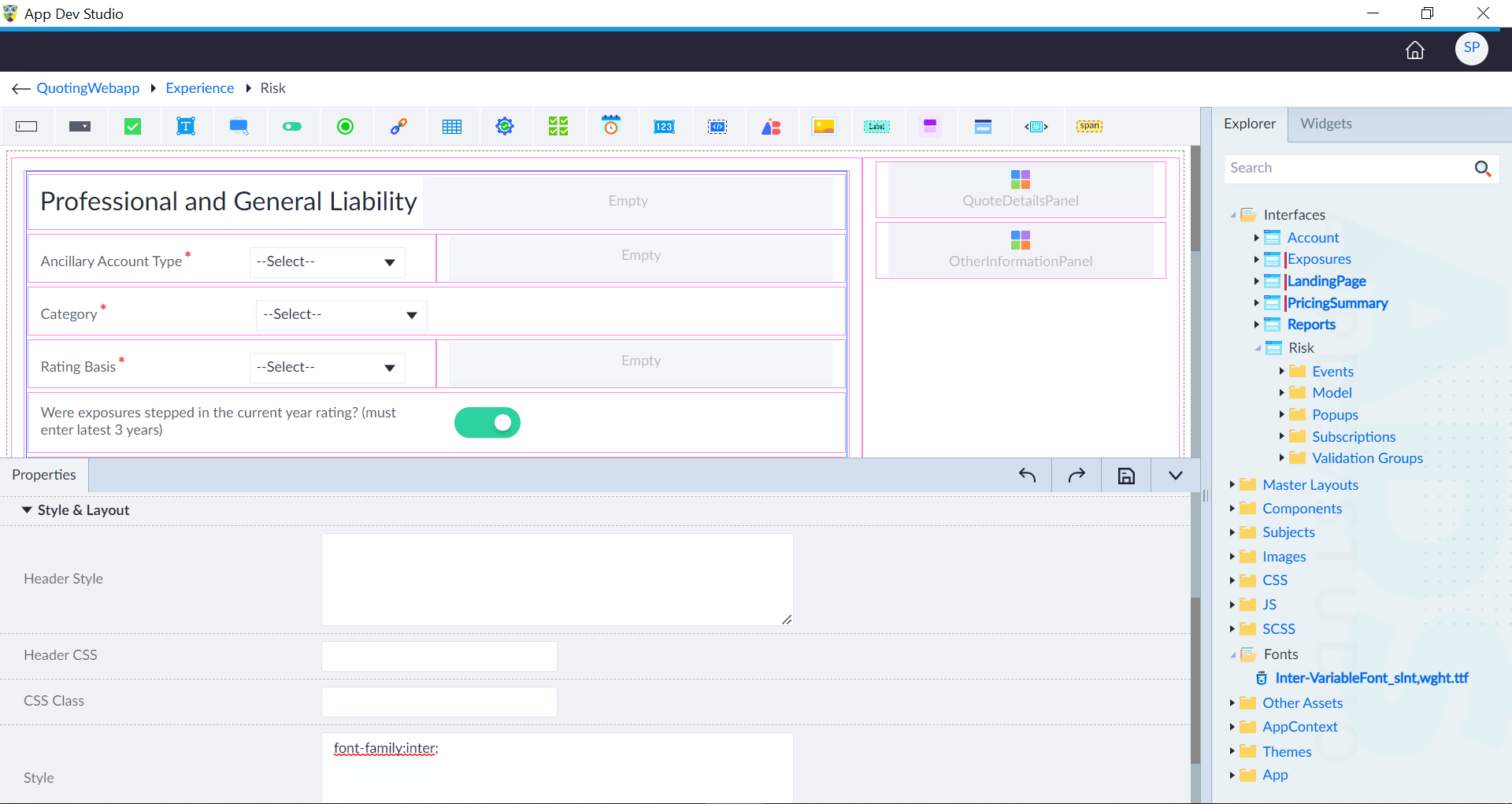
- Open an interface and click edit icon in the context menu of a widget.
- In the style and layout section, provide the
font-family: inter;ruleset in the style and click save. The font family name in the ruleset should match the name given by the user during font upload.