Use an Event Emitter Custom Component
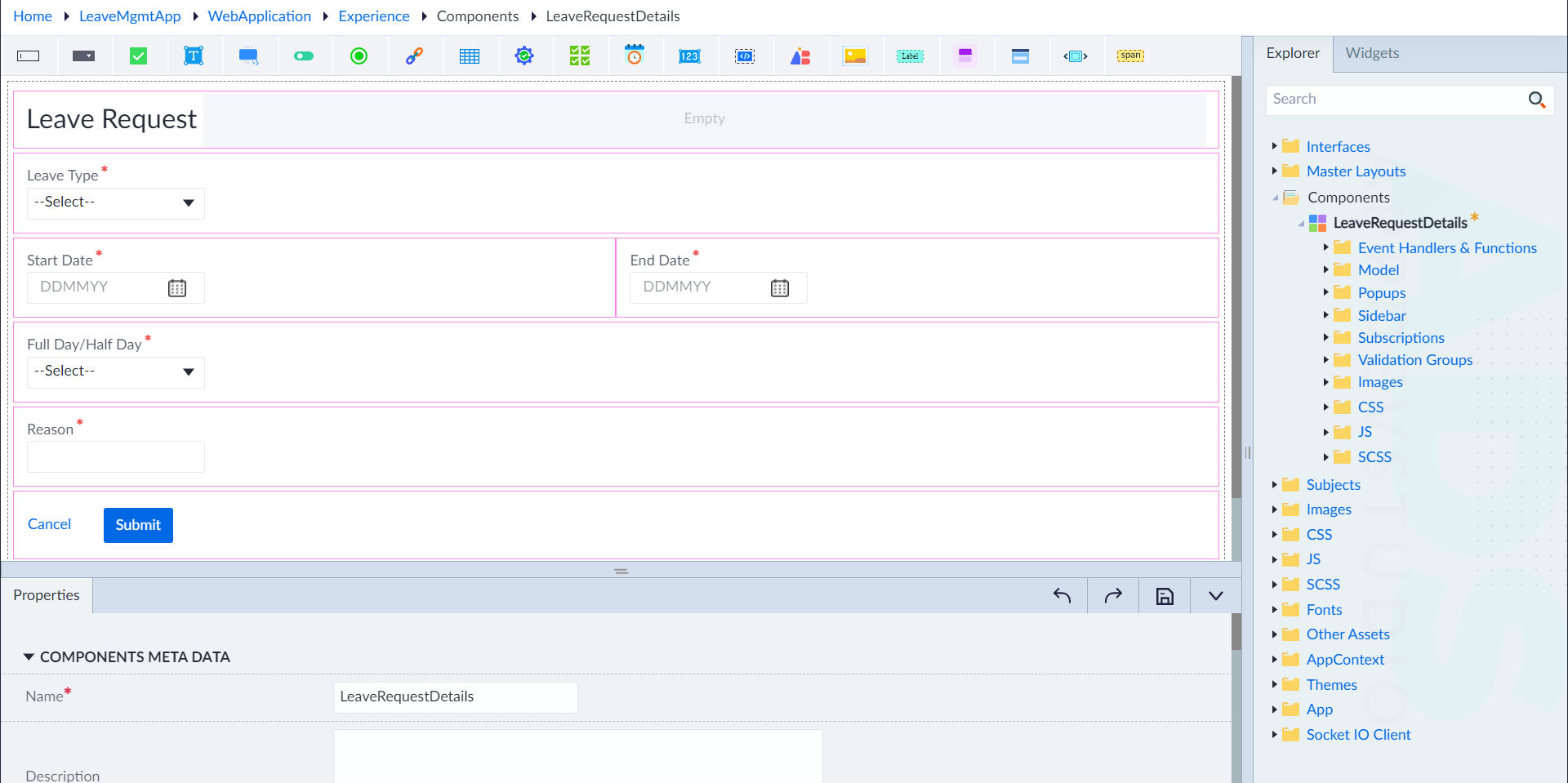
The following scenario involves the creation of a custom component "LeaveRequestDetails" for managing leave request details. By creating this component, users can enable the handling of leave request data through an event emitter named "sendLeaveRequest," which accepts a "LeaveRequest" parameter of type "LeaveApplicationVM." This setup facilitates the efficient submission and processing of leave applications, ensuring that all necessary details are captured and passed correctly within the application's logic flow.
- Navigate to the Experience module in OwlGen.
- In the explorer panel, right-click on Components, and click Add.
- Provide values for the following properties, as seen in the property pane:
- Components Metadata: LeaveRequestDetails (Name)
- Event Emitters:
- Create a new event emitter sendLeaveRequest by clicking on +Add.
- Configure an input parameter for the event emitter by providing values for the following:
- Name: LeaveRequest
- Datatype: LeaveApplicationVM
- IsArray: No
- Default Value: None