Import JS and use in Logic Flows
Users can import custom javascript files and call them in logic flows in the application. To import JS, follow the steps given in the Upload Images, CSS, JS and SCSS section of Upload Assets. The imported JS file contains a script as below:
showInfo = function() { alert("Hello World"); }
In the above syntax, showInfo is a function name.
Use the JS in a Logic Flow
Follow the steps to use the uploaded JS in an event.
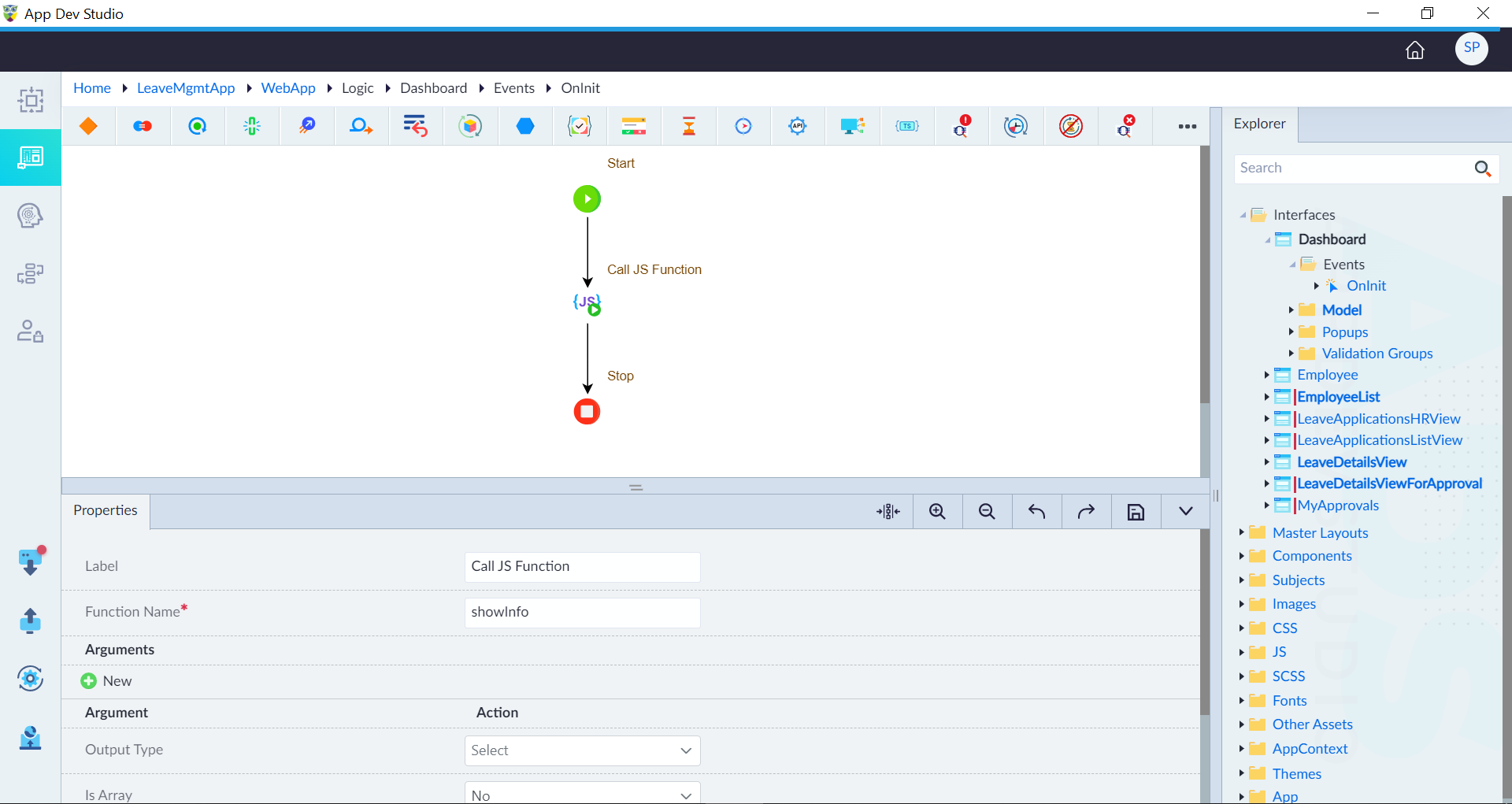
- Open an OnInit event of an interface and use the Call JS Function construct to call a function.
- Configure the construct as required like Function Name, Arguments etc. In this example, Function Name is given as showInfo. User has to provide the valid information as required while using this construct.
- Click save.