Install OwlGen
Prerequisites
Before installing OwlGen, ensure that the following prerequisites are met:
- Node.js (version 20.9.0)
- Download and install Node.js from the official Node.js website.
- Angular CLI (version 17)
- Install Angular CLI globally using npm.
- npm install -g @angular/cli@17
- .NET 8 Runtime
- Download and install the .NET 8 Runtime from the .NET download page.
Steps to Install OwlGen
Follow these steps to install OwlGen:
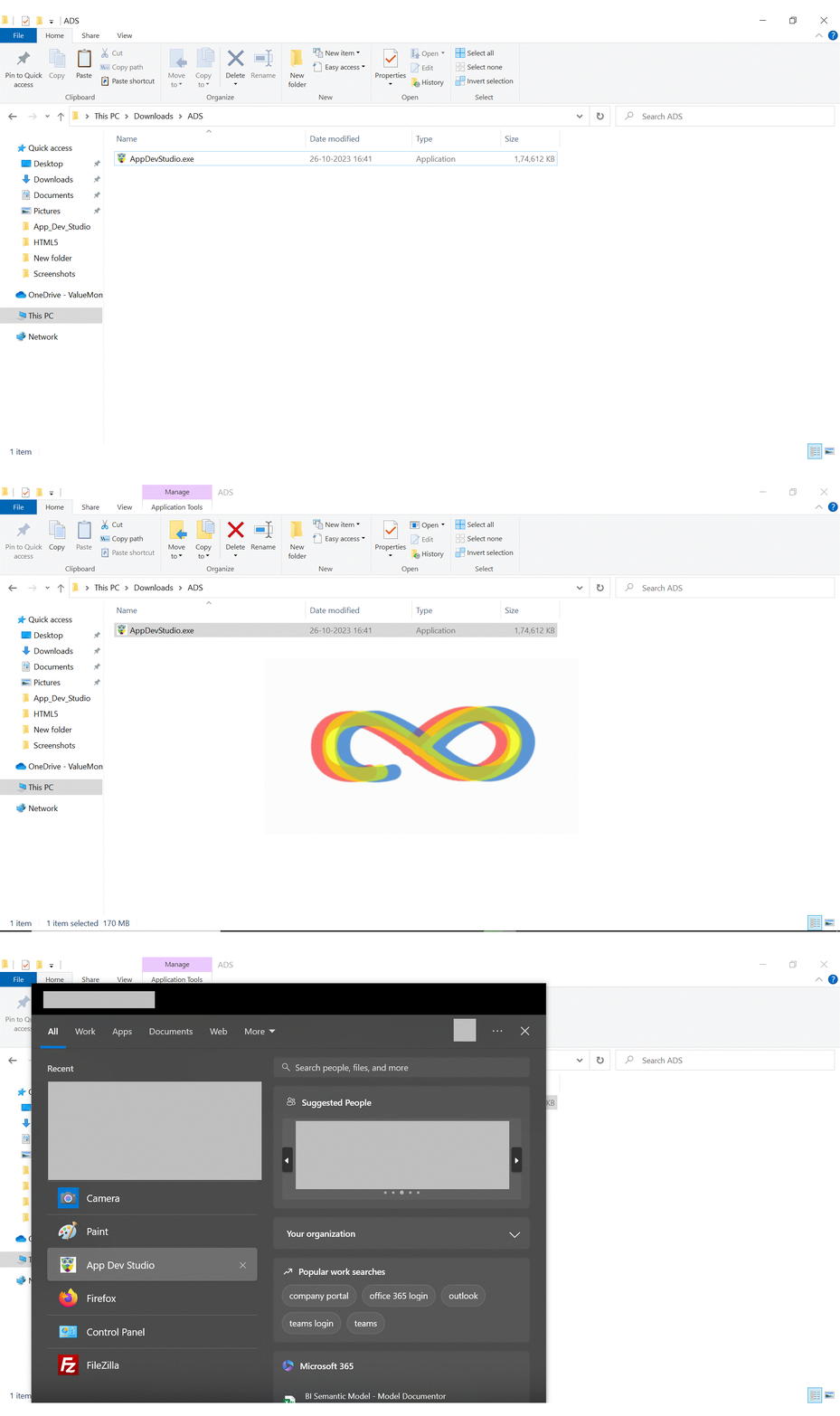
- Download the OwlGen executable file (OwlGen.exe).
- Double-click the OwlGen.exe file to start the installation.
- The installation progress window will be displayed.
- Once the installation is complete, the progress window will close automatically
- Navigate to the Start Menu and launch OwlGen.