Implement Sidebar
The below sections provide the information to implement sidebar in an application.
Following are the pre-requisites for a sidebar:
- Model.
- Menu Show Hide Handler
Create a Model
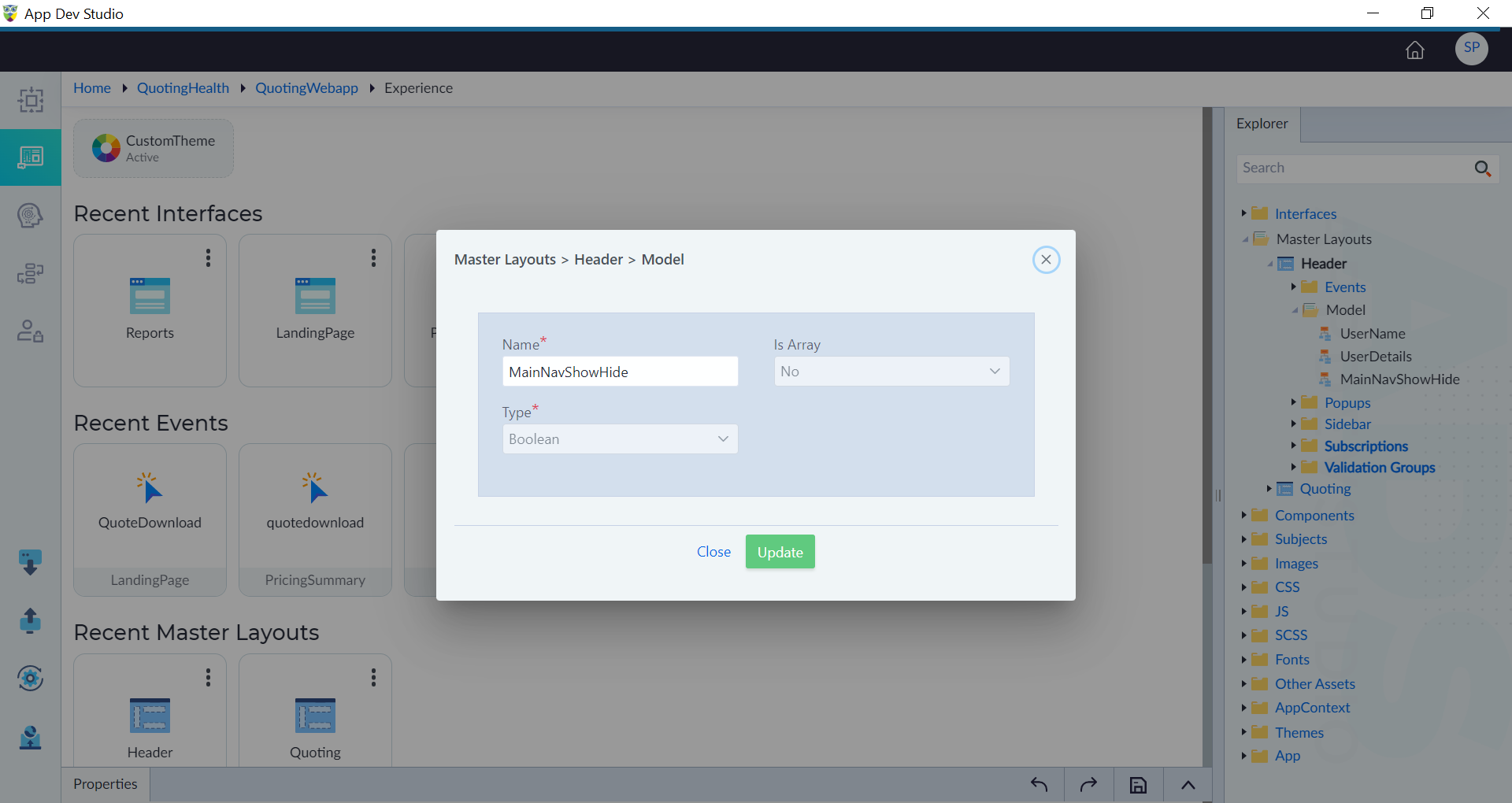
In a master layout where the sidebar needs to be created, follow the steps given in Model to create a model. Here a model is created with name as "MainNavShowHide" and data type as "Boolean".
To create a sidebar, refer to Sidebar with visibility as MainNavShowHide. Use the menu widget, refer to Menu and design the sidebar as required.
Create Menu Show Hide Handler
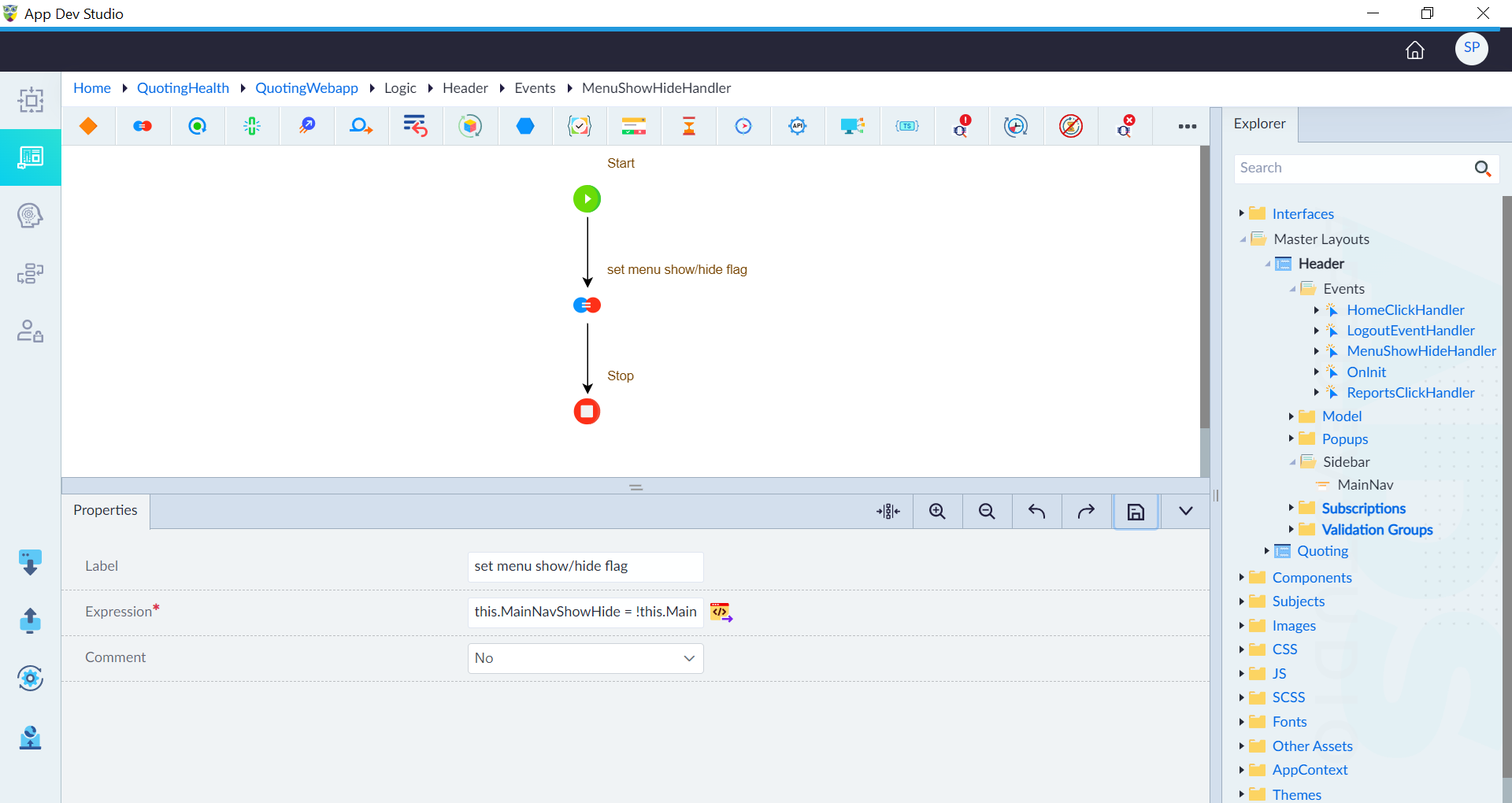
Follow the below steps to create MenuShowHideHandler.
- Create event with name as
MenuShowHideHandler. - Use the assignment construct, add expression as
this.MainNavShowHide = !this.MainNavShowHideand then click save. - Save the event.
Link Sidebar
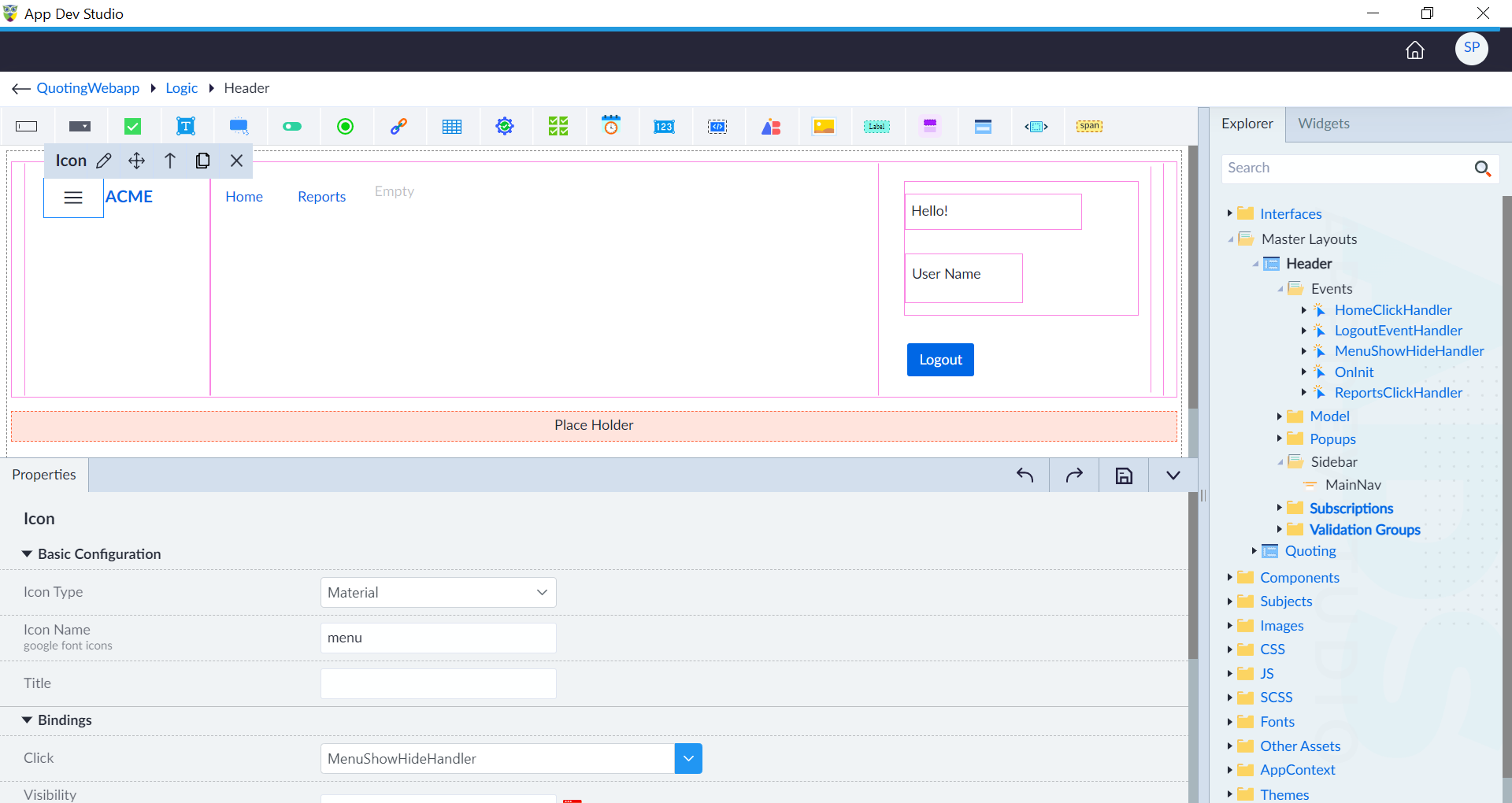
Follow the below steps to implement sidebar.
- Open the master layout and edit the icon in the navbar brand of a navbar widget.
- Select the
MenuShowHideHandlerin bindings and configure the other properties as required as given in Navbar. - Save the master layout.