OwlGen Deployment using PowerShell
Follow the below sections to deploy OwlGen using powershell.
The pre-requisites to deploy OwlGen are as follows. Make sure that the following are already installed in the machine.
- PowerShell 7.0 and above
- AZ PowerShell Module
Getting Started
Follow these steps to get started:
- Download the OwlGen release files from release folder.
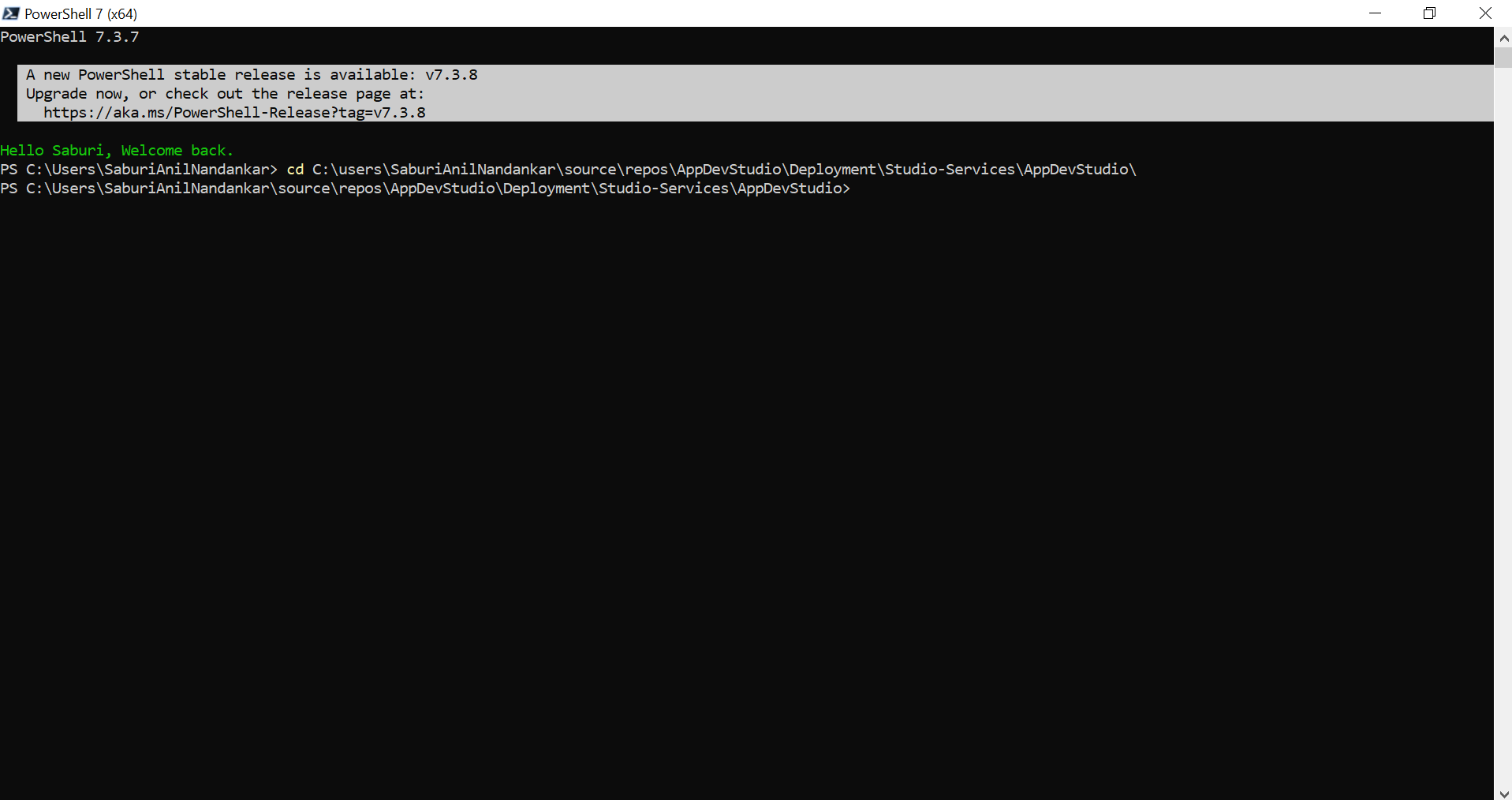
- Run PowerShell as administrator and navigate to OwlGen folder using the following command: cd <App_Dev_Studio_folder_path>
Edit Configuration
Follow these steps to edit the configuration:
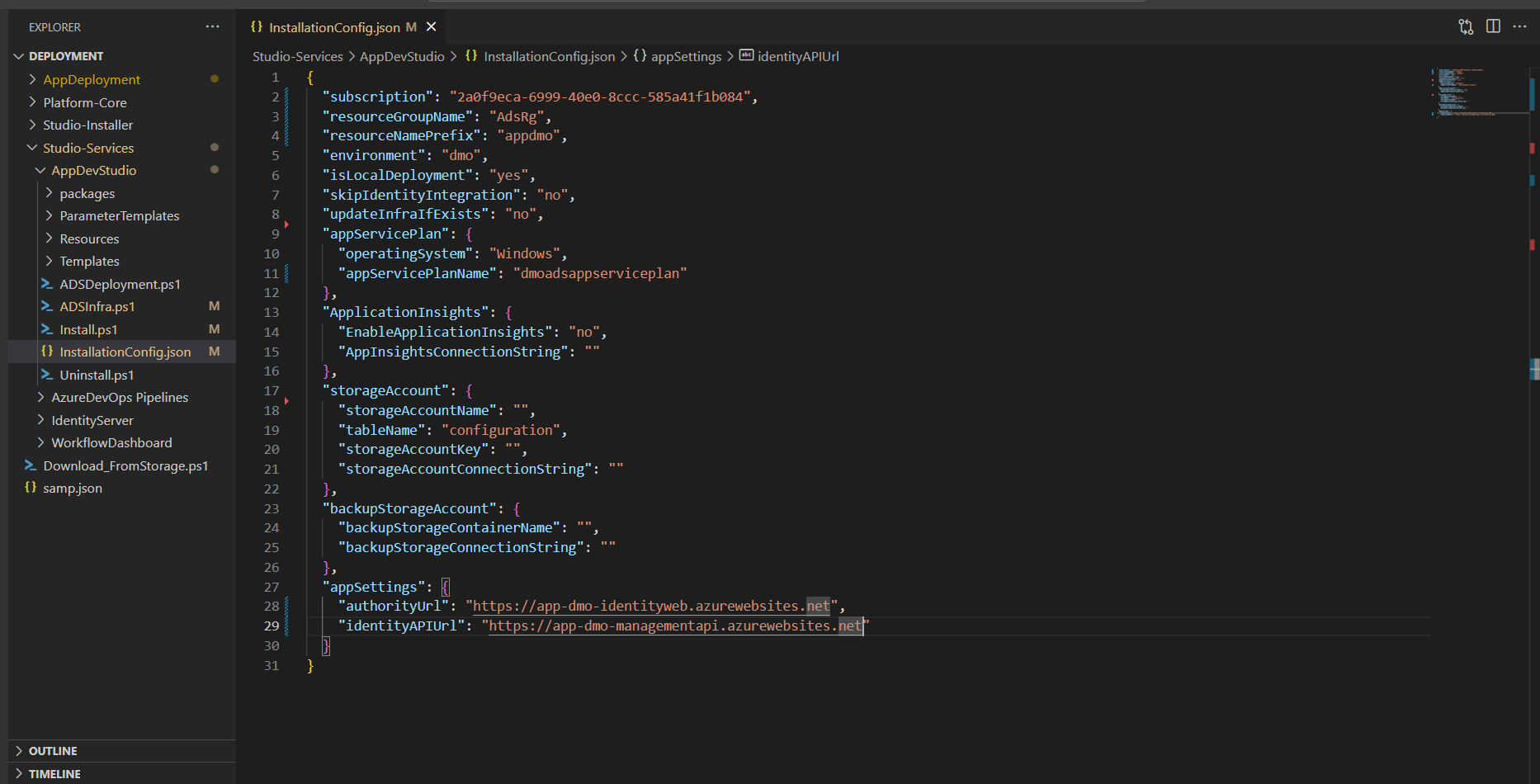
- Open installConfig.json from OwlGen folder in a text editor and configure the following properties as required to create infrastructure and deploy OwlGen.
| Property | Description | Comments |
|---|---|---|
| subscriptionId | Provide the subscription id of Azure where resources are available. | - |
| resourceGroupName | Provide the name of the resource group. | - |
| resourceNamePrefix | Provide the name of the prefix. | - |
| environment | Provide the environment name. | - |
| isLocalDeployment | Specify whether the deployment is local. Either Yes or No. | - |
| skipIdentityIntegration | Specify whether to skip the identity server integration. Either Yes or No. | - |
| updateInfraIfExists | Specify whether to update infra if already available. | - |
| App Service Plan | ||
| operatingSystem | Provide the operating system name. | - |
| appServicePlanName | Provide the name of the app service plan. | - |
| Application Insights | ||
| EnableApplicationInsights | Specify whether the application insights are enabled. | - |
| AppInsightsConnectionString | Provide the connection string to connect to application insights. | - |
| Storage Account | ||
| storageAccountName | Provide the storage account name. | - |
| tableName | Provide the table name. | - |
| storageAccountKey | Provide the storage account key. | - |
| storageAccountConnectionString | Provide the connection string to connect to storage account. | - |
| Backup Storage Account | ||
| backupStorageContainerName | Provide the storage account container name. | - |
| backupStorageConnectionString | Provide the connection string to connect to backup storage account. | - |
| App Settings | ||
| authorityUrl | Provide the identity server authority URL. | This property is required only when skipIdentityIntegration is set to No. |
| identityAPIUrl | Provide the identity API URL. | This property is required only when skipIdentityIntegration is set to No. |
Deploy
Follow these steps to deploy:
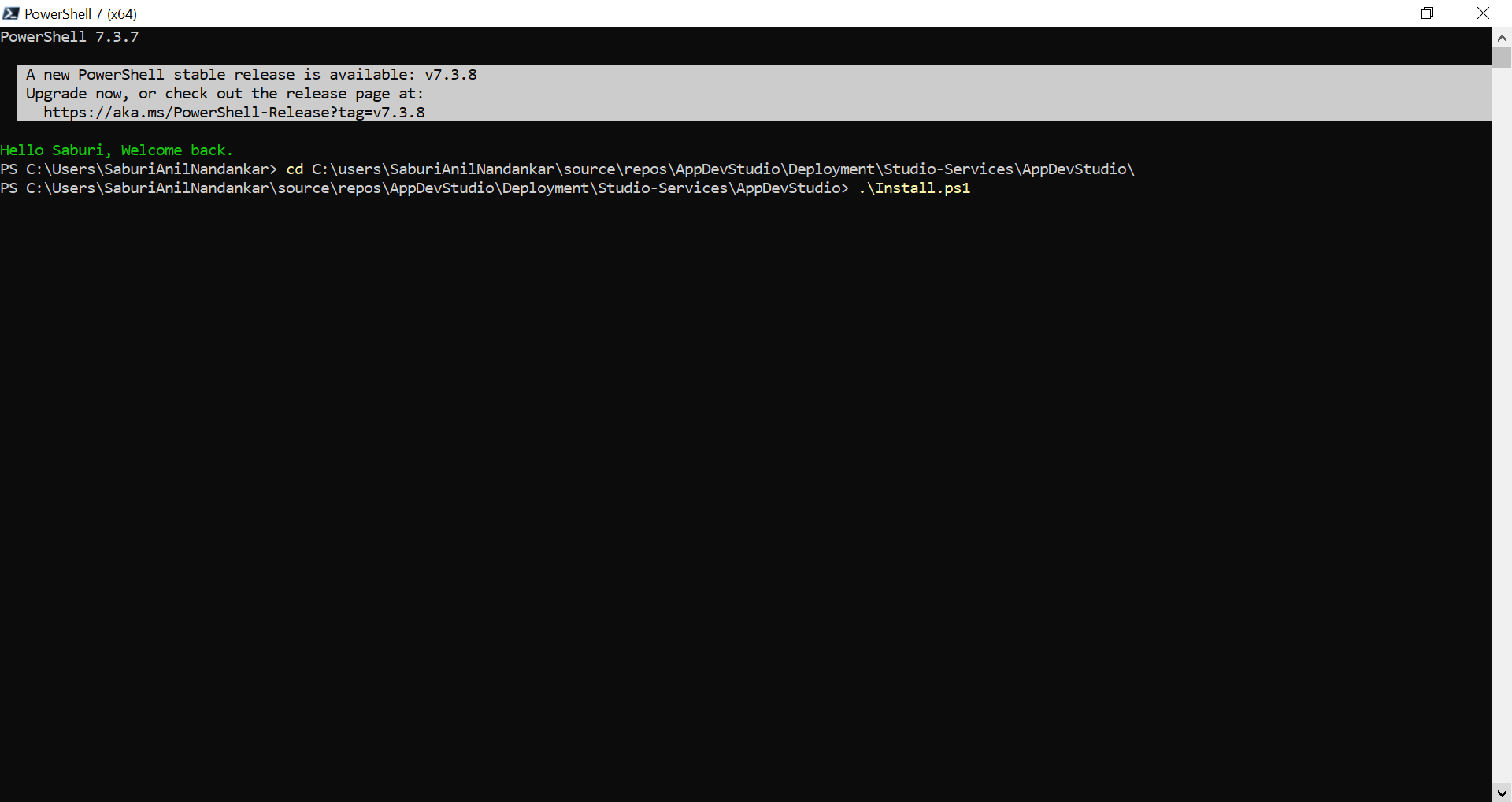
- In PowerShell, execute the following command to deploy OwlGen. .\Install.ps1
- Provide the Azure credentials to continue.
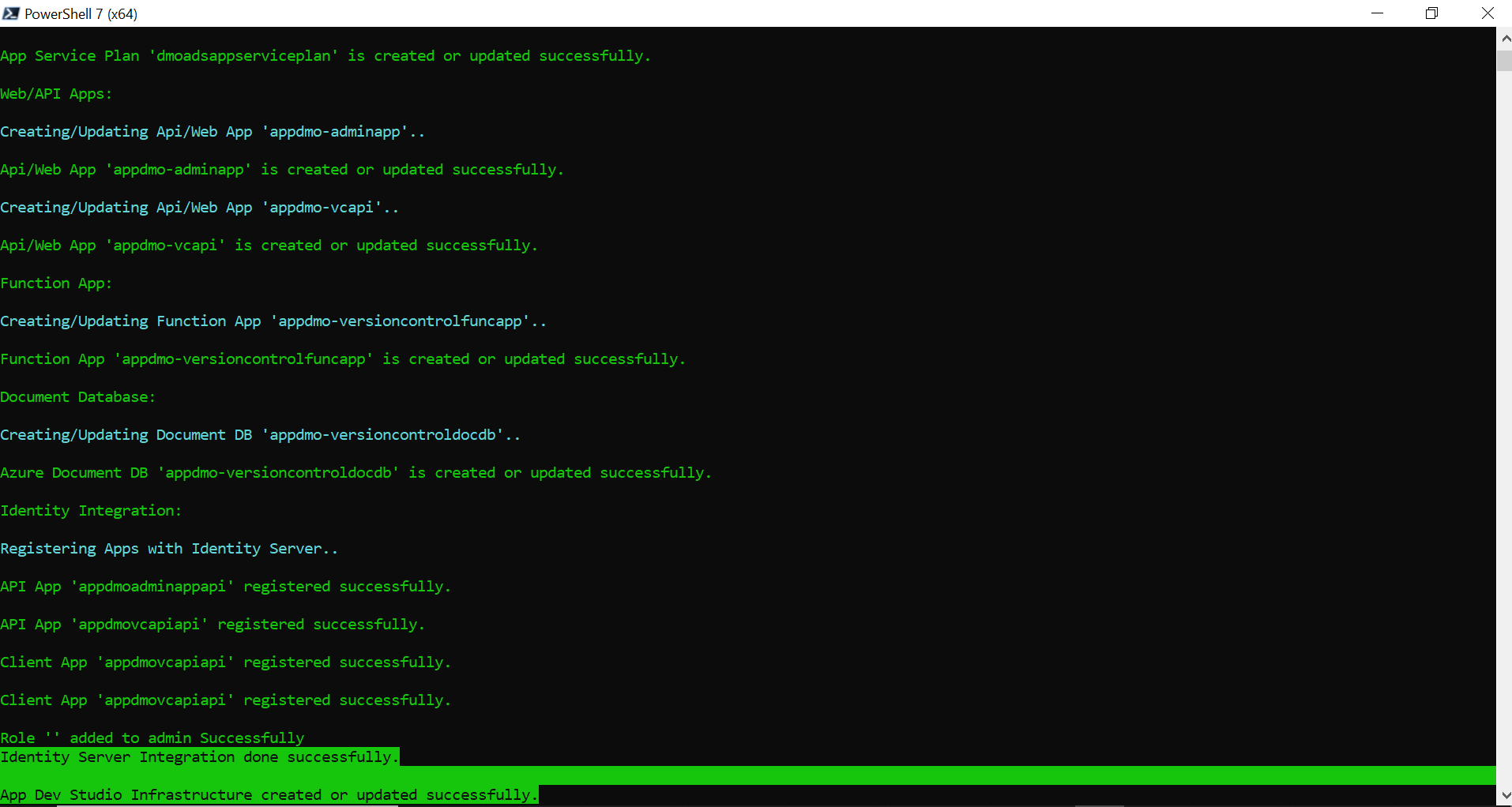
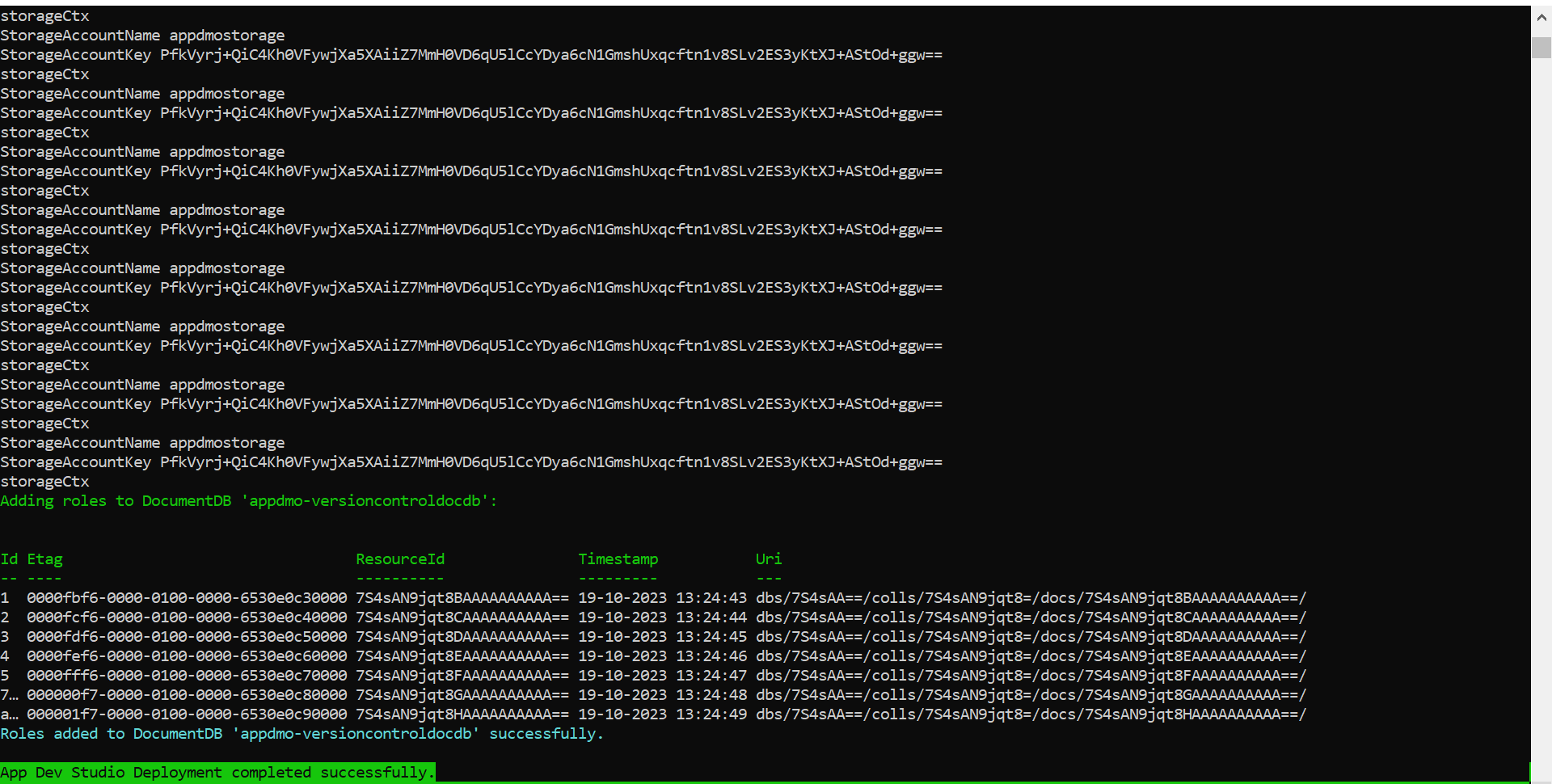
With the provided configuration, the corresponding infrastructure will be created, and OwlGen will be deployed.
Note: If any error occurs, an appropriate error message will be displayed. Users can resolve the error and re-execute the script to deploy.
Upgrade OwlGen
Follow the below steps to upgrade OwlGen:
- Edit the configuration as required. Refer to Edit Configuration section.
- Follow the steps given in Deploy Section to deploy the upgraded application.