Import and Use CSS/SCSS
User can use the custom styles for a particular item in a layout using the custom CSS or SCSS files uploaded into the application. To import CSS/SCSS, follow the steps given in the Upload Images, CSS, JS and SCSS section of Upload Assets.
Use the Styles in an Interface
Follow the steps to use the custom styles in an application.
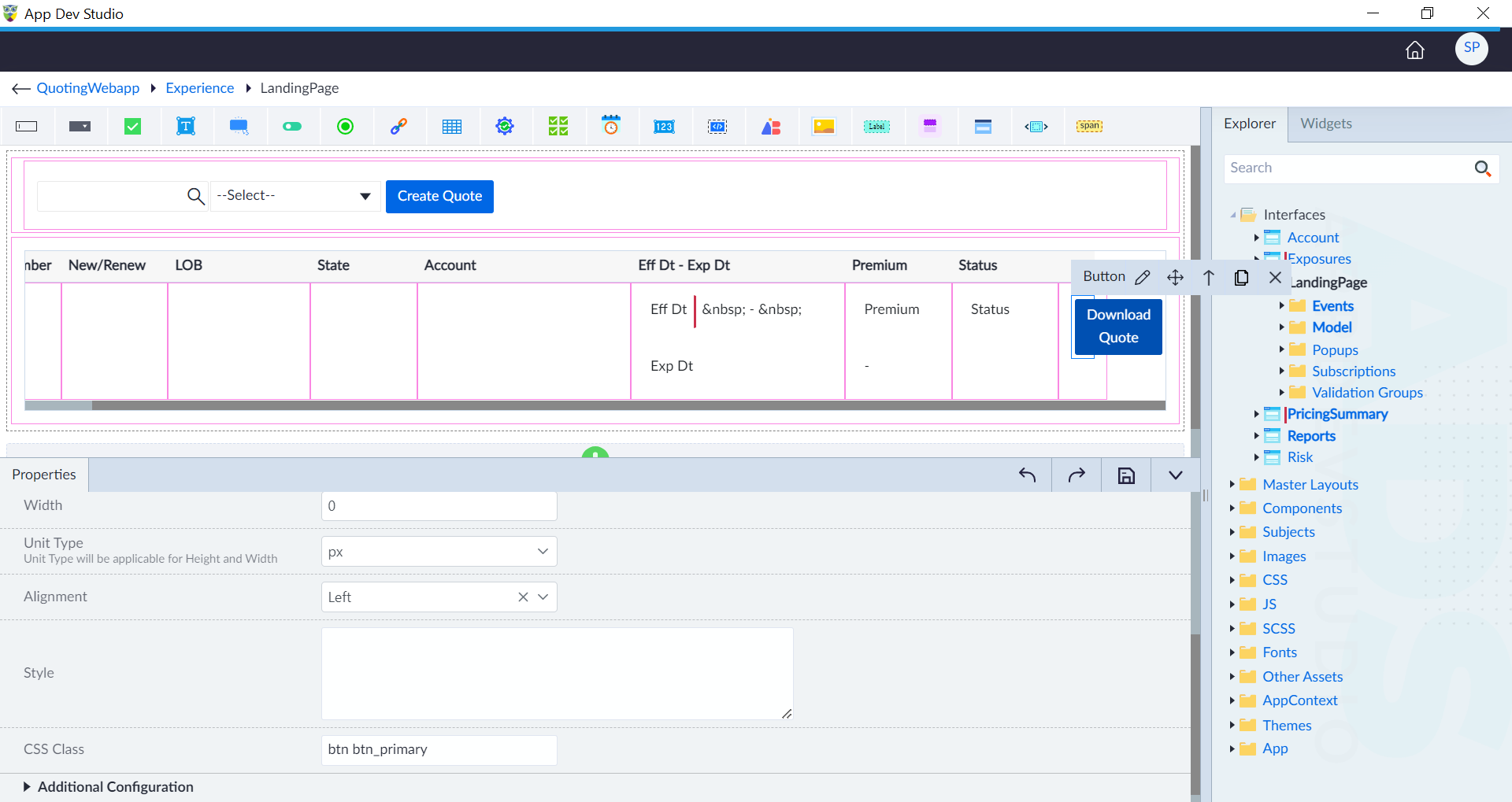
- Open an interface and click edit icon in the context menu of a widget.
- In the style and layout section, provide the CSS class name and click save. User must be aware of the classes available in the CSS/SCSS file. To use multiple classes, use space as a separator between two classes.