Implement File Download
To implement file download functionality in an application, the below sections provide the information.
Following are the pre-requisites for file download:
- A binary type entity.
- Model.
- File download handler logic.
Create a Binary Entity
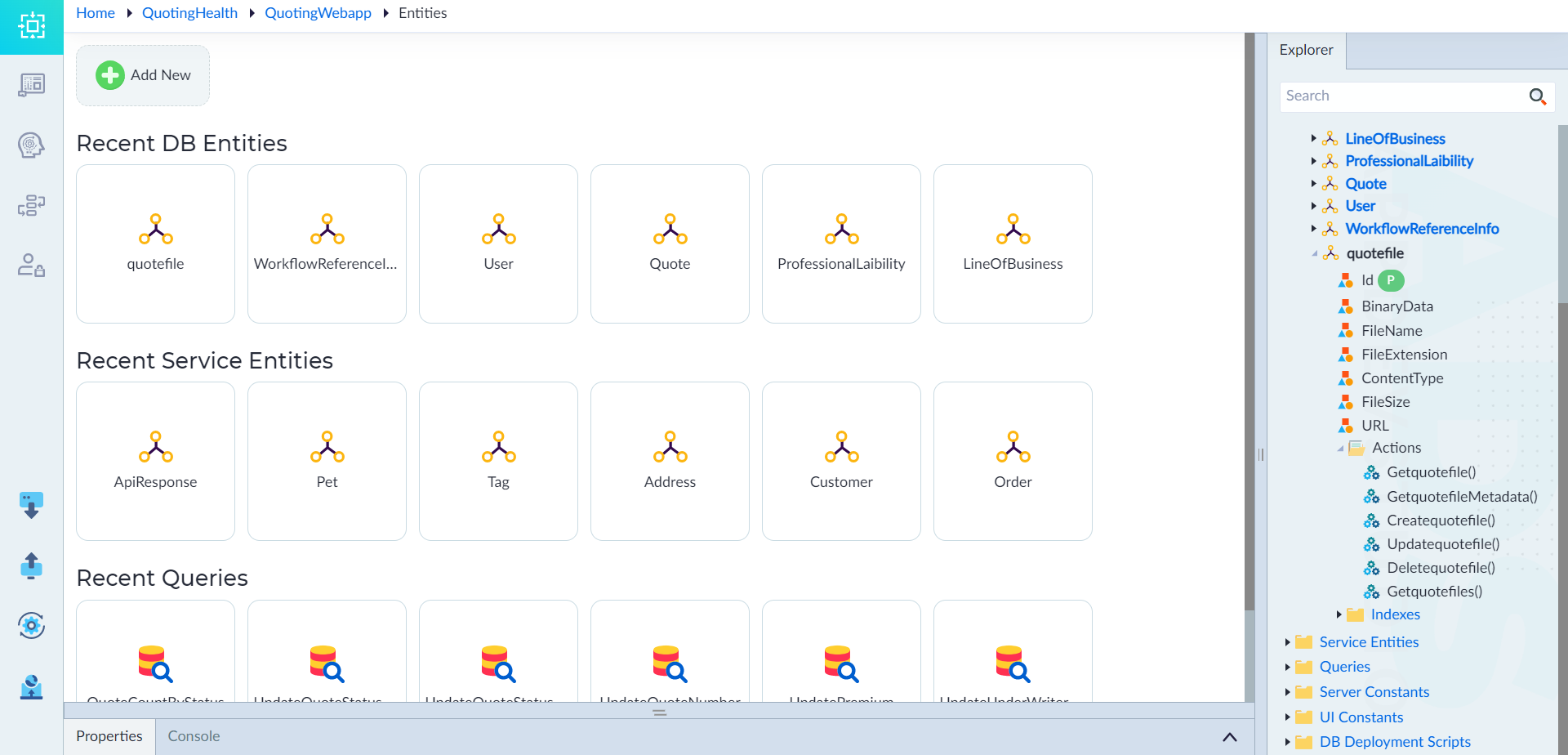
Follow the steps given in Create DB Entity and create a DB entity. Here the DB entity is created with name as "quotefile" and data type as "binary".
Create a Model
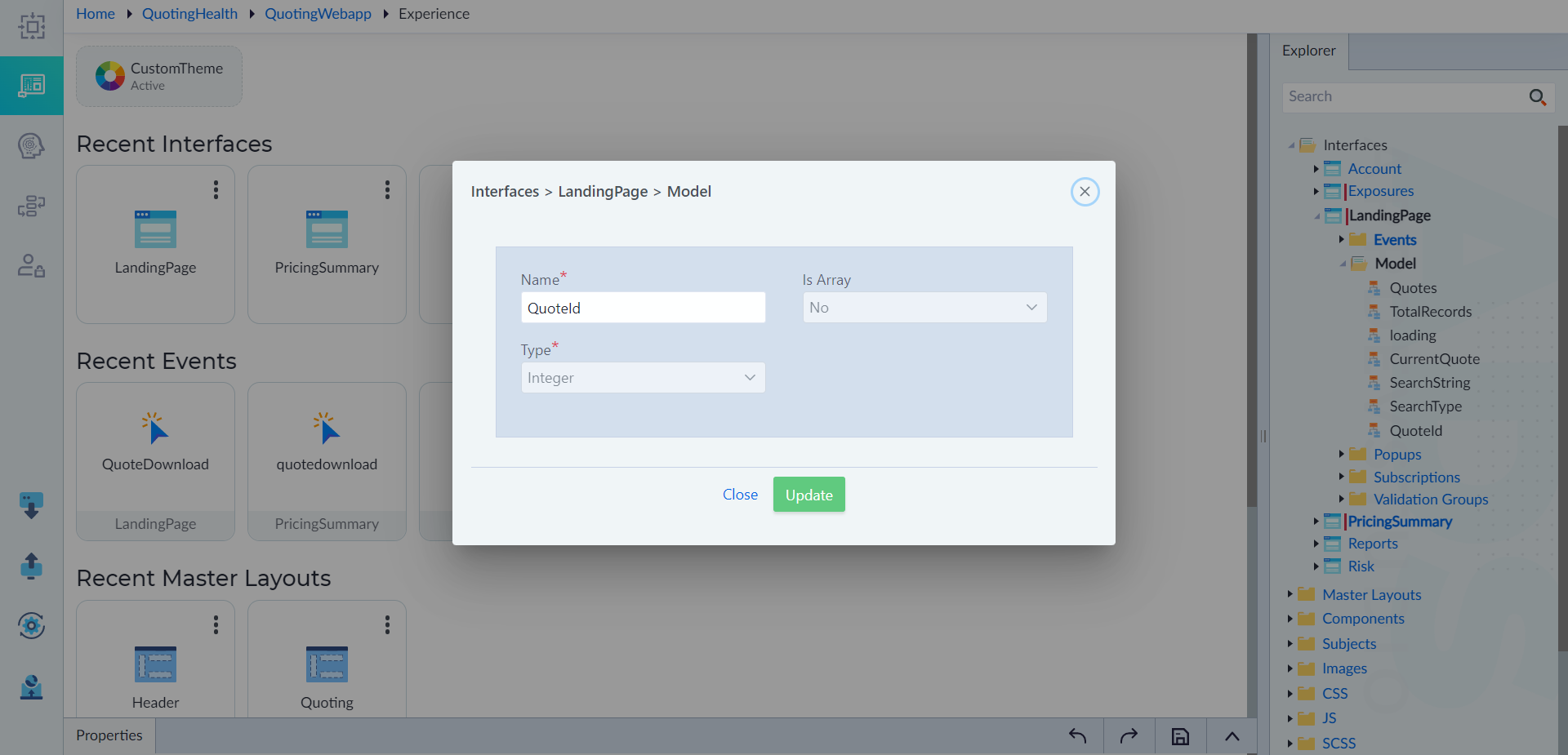
In an interface where the download option needs to be created, follow the steps given in Model to create a model. Here a model is created with name as "files" and data type as "any".
File Download Handler Logic
Follow the below steps to create the file download handler logic.
- Right-click Events in the interface where file download option needs to be added and select Add.
- Provide the name as QuoteDownload and then click save.
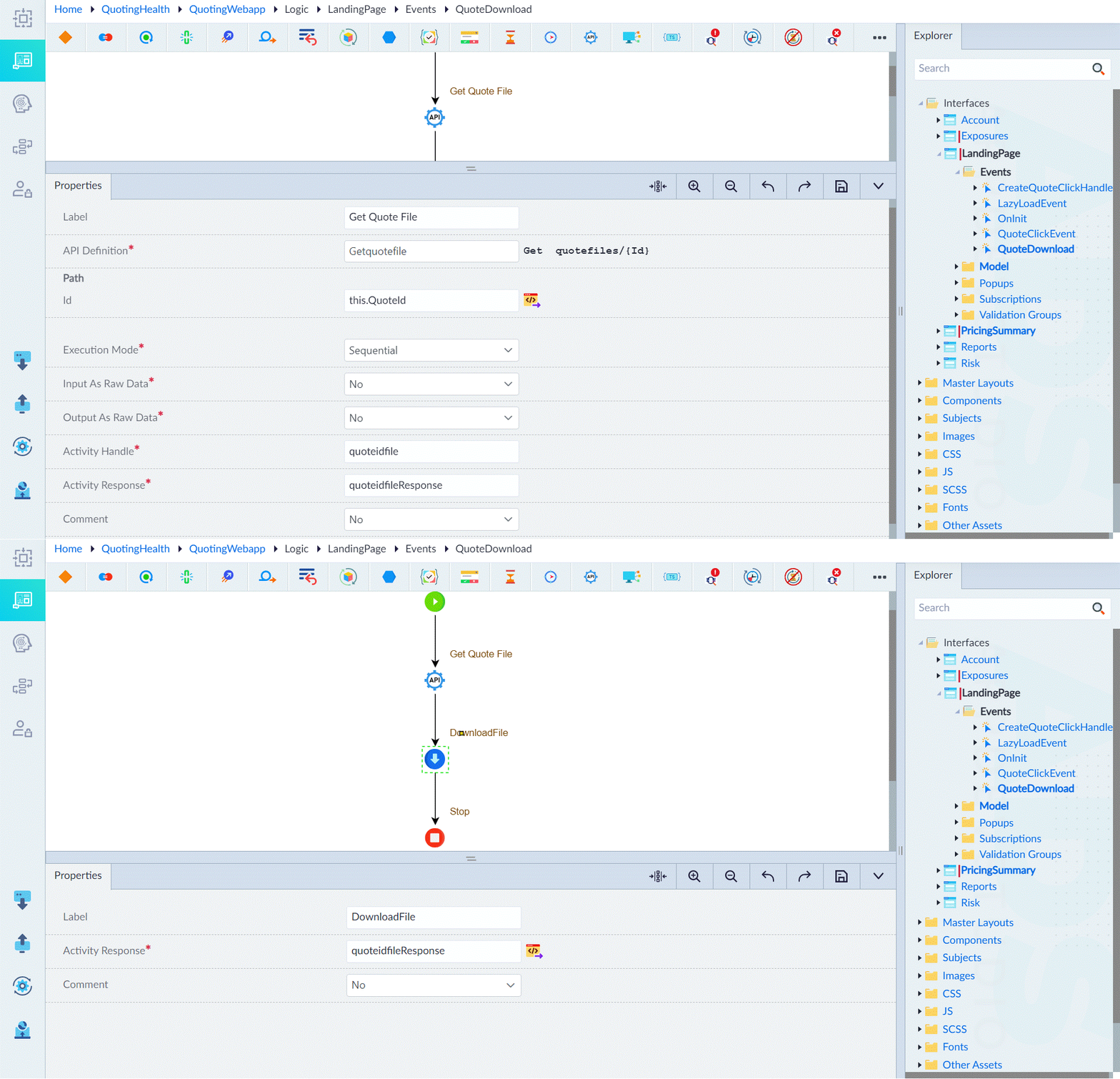
- In the designer canvas, use the Call REST API construct to call the Getquotefile API and then click save. Configure the Call Rest API as shown in Call REST API. For QuoteDownload, the configuration is given as below:
- Label: Get Quote File
- API Definition: Getquotefile
- Id: this.QuoteId
- Execution Mode: Sequential
- Activity Handle: quoteidfile
- Activity Response: quoteidfileResponse
- Comment: No
- In the designer canvas, use the file download construct. The configuration is as below:
- Label: DownloadFile
- Activity Response: quoteidfileResponse
- Comment: No
- Save the event.
File Download
Follow the below steps to add the button widget.
- Open the interface where file download option needs to be added.
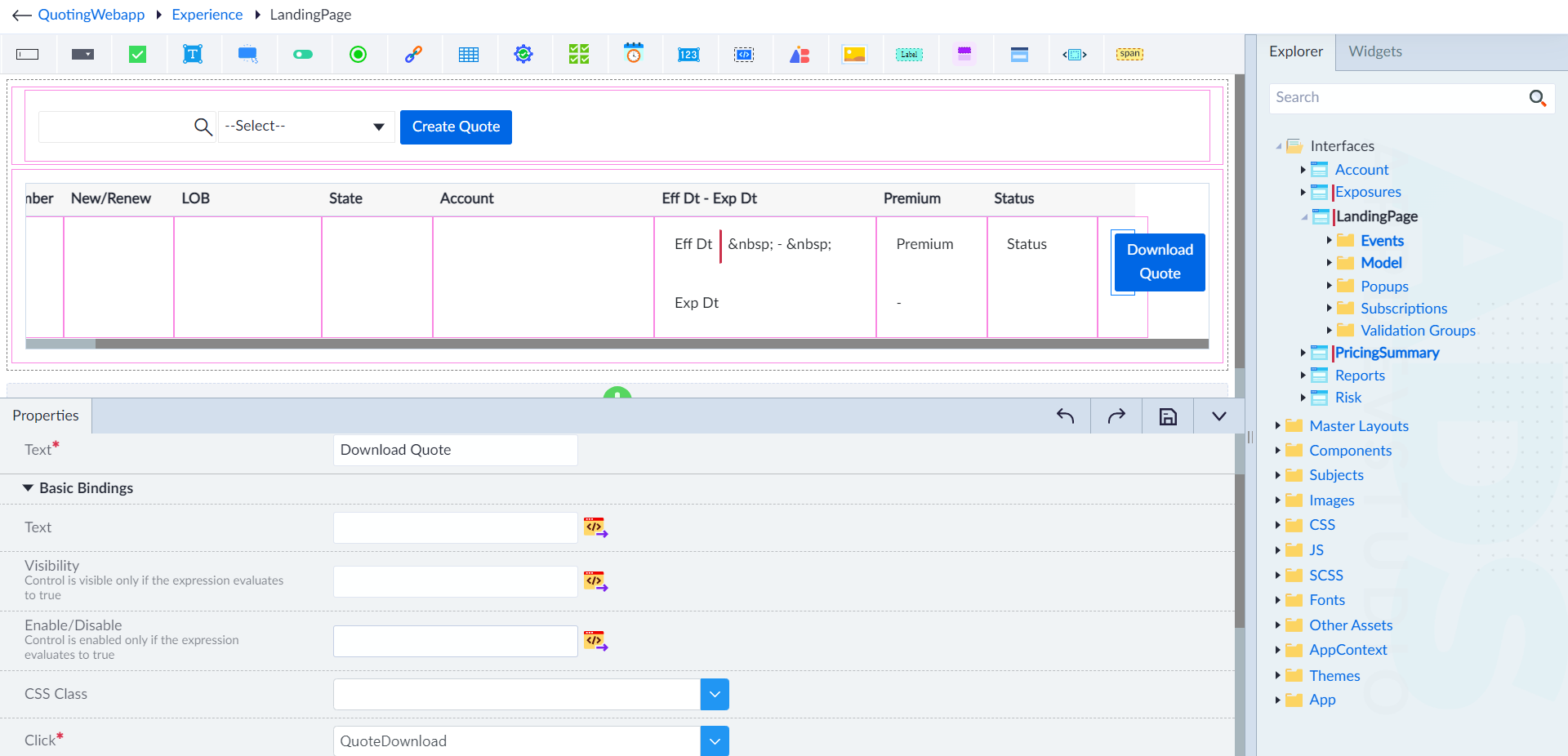
- From the widgets panel, drag and drop the button widget and configure it as follows (main parameters are shown below):
- Text: Download Quote
- Click: QuoteDownload (file download handler created for downloading files)
- Id: Button1d954d932c7041a38e54dbeca00de393 (id to uniquely identify the button widget)