Event Handling for Cancel and Submit
To handle the submission and cancellation of the form, it is important to implement event handlers for the "Cancel" and "Submit" buttons. These event handlers will manage the form data and control the workflow based on user actions.
Create Cancel and Submit Event Handlers
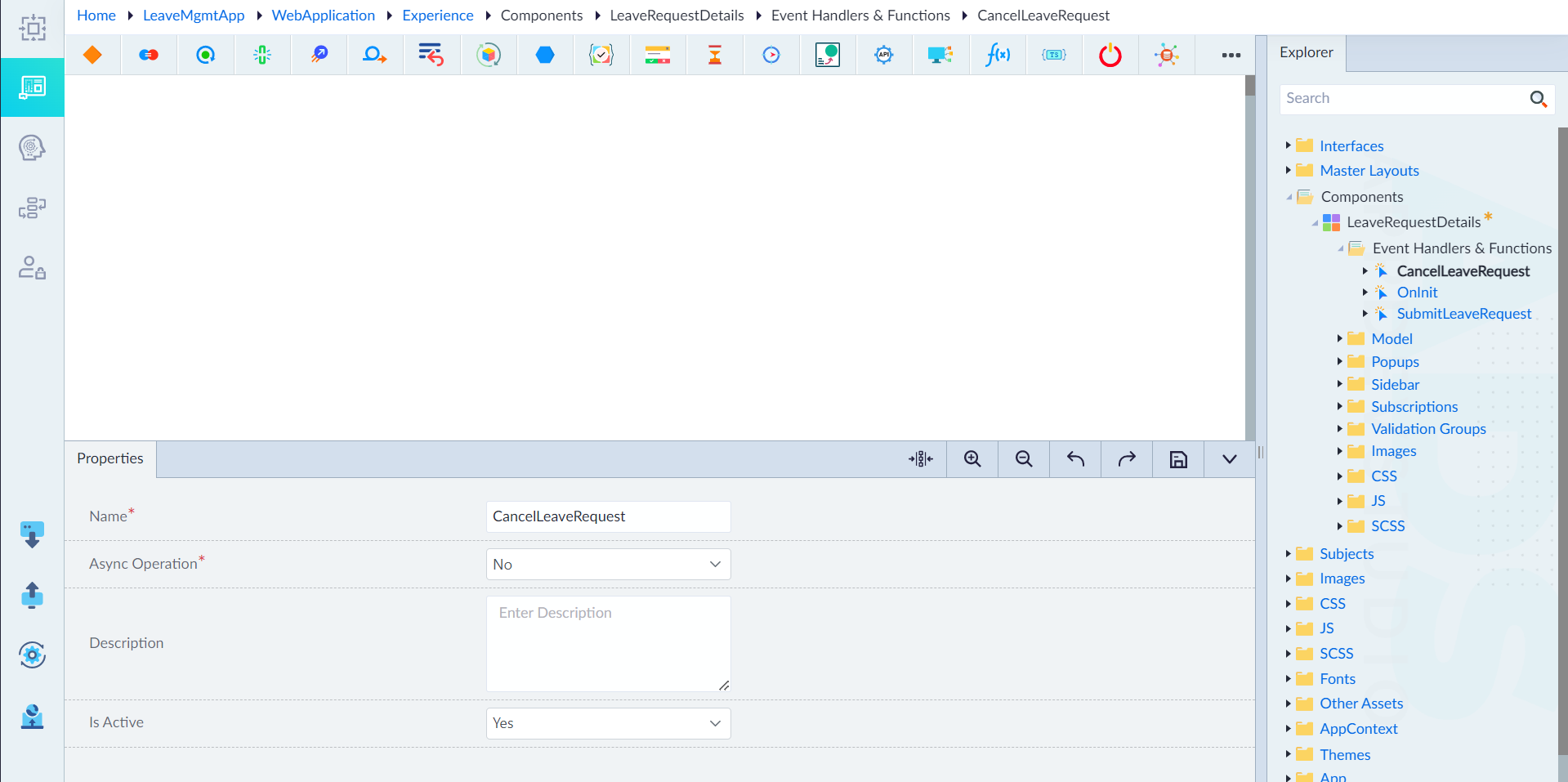
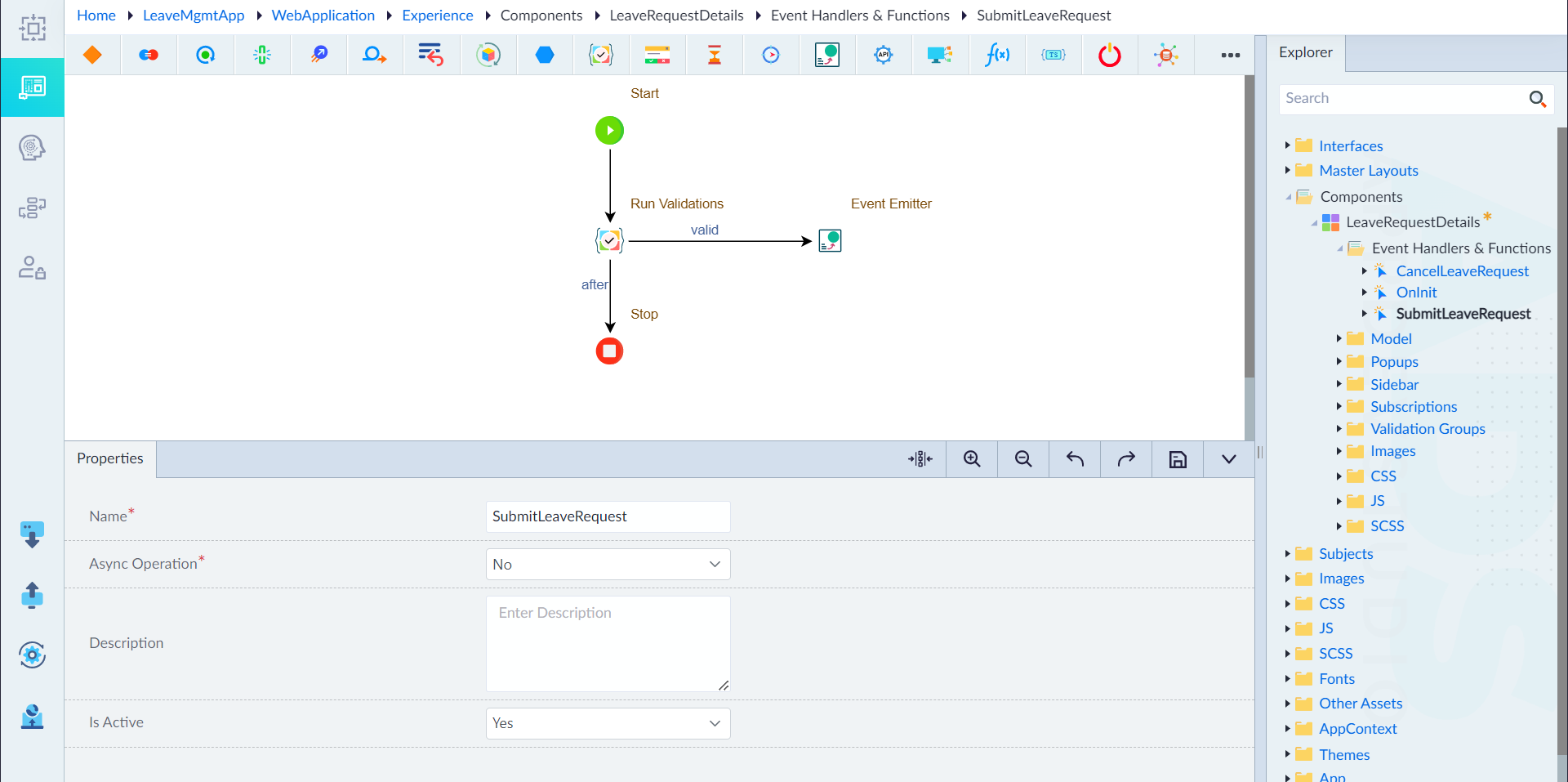
- Navigate to Event Handlers and Functions folder appearing under the component created.
- Right-click on the folder and select Add Event.
- In the property pane that appears, provide values for the following properties:
- Name: CancelLeaveRequest / SubmitLeaveRequest
- Async Operation: No
- Description: None
- Is Active: Yes
Note: The process for creating events for both the Cancel and Submit buttons is similar. Follow the steps outlined above to create each event separately.