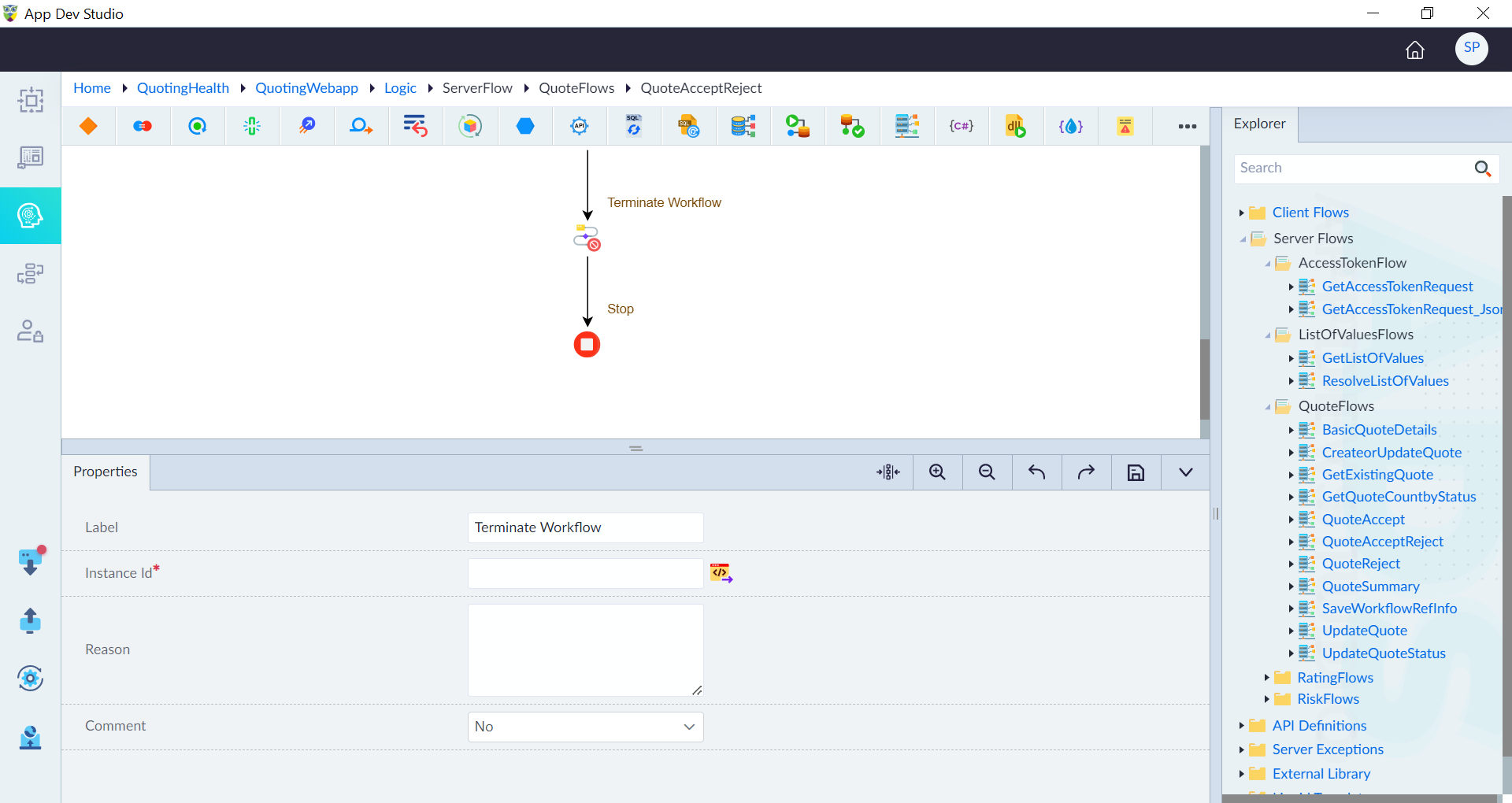
Terminate Workflow
The Terminate Workflow construct allows you to forcefully stop a running workflow instance before it completes its execution. This is useful in scenarios where a workflow is no longer needed, has encountered an unrecoverable error, or must be halted due to business requirements.
How It Works
- A workflow instance is identified using its unique identifier.
- A termination request is sent to stop the workflow immediately.
- The workflow ceases execution, preventing any further progress.
Considerations
- Irreversible Action: Once a workflow is terminated, it cannot be resumed.
- Data Handling: Any unfinished tasks or state changes may need to be handled separately.
'Note: ' + ($args[0].Groups[1].Value -replace '\r?\n', ' ')
Properties
| Property | Description | Comments |
|---|---|---|
| Label | A label for identifying the termination action. | Used for easy reference. |
| Instance Id* | Specify Unique identifier of the workflow instance that is to be terminated. | |
| Reason | Specify A message indicating why the workflow is terminated. | Useful for tracking and logging. |
| Comment | Specify whether to comment this construct or not. Either Yes or No. | If marked as Yes, the construct is treated as a commented expression and ignored in code generation. |
| Description | A brief explanation of the Terminate Workflow purpose. |
'Note: ' + ($args[0].Groups[1].Value -replace '\r?\n', ' ')