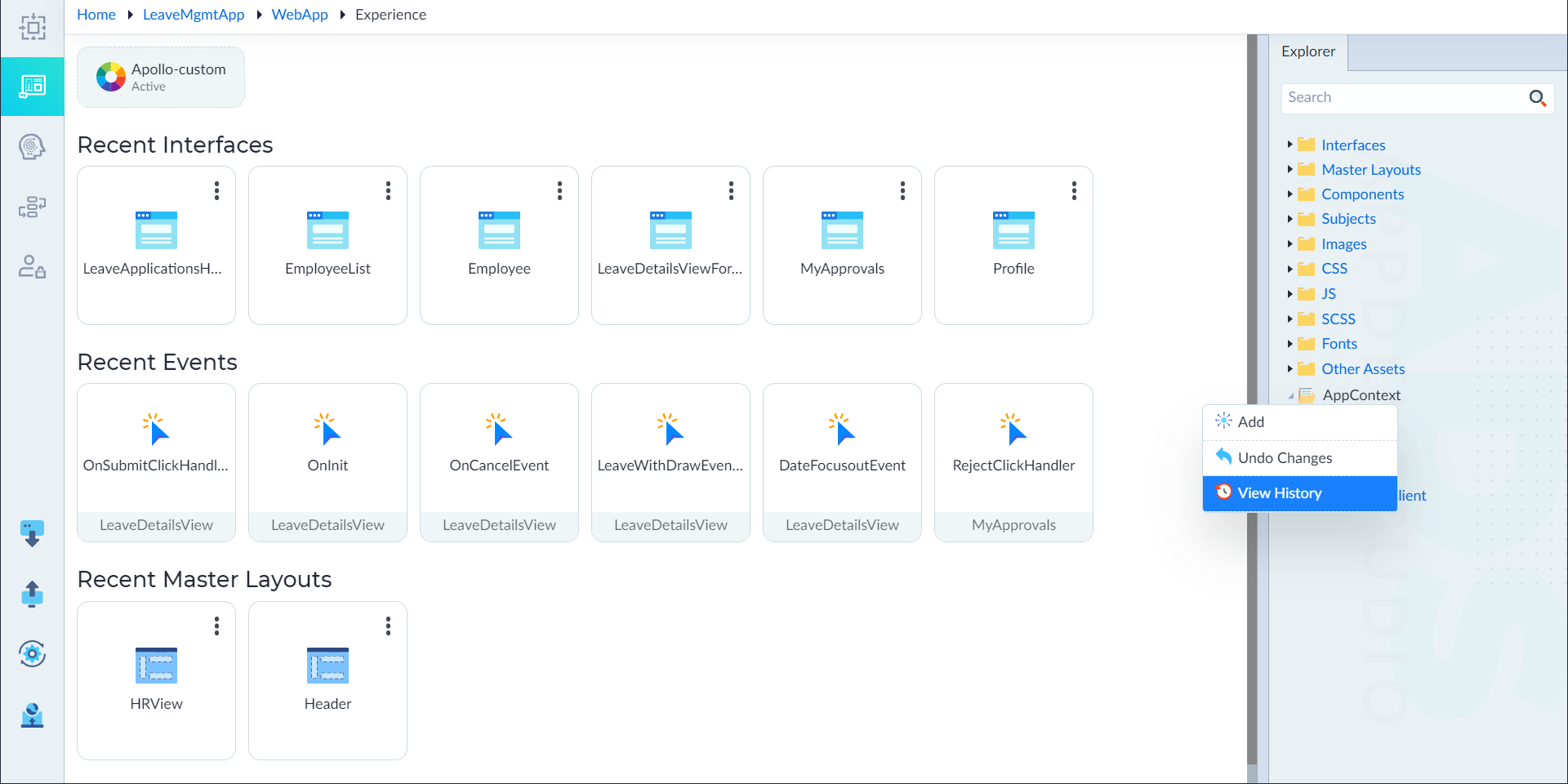
View Version History
Follow the below steps to view the version history of an app context.
- From the explorer menu, right-click AppContext and select Version History. The History pop-up window displays. It contains the version history with comments.
- Click Apply This Change icon to apply the appropriate version of app contexts in an application from the Actions column.
- Click Close to close the History pop-up.