App Context
App Context Variables helps in managing and storing application-level data that needs to be accessed globally across interfaces, master layouts, components, events, subscriptions, and services. They help maintain application state, enabling seamless data sharing and consistency throughout the UI.
The app context variables can be available to use in the expression builder and widget's bindings.
Use Case
- Storing app-wide settings.
- Sharing data between unrelated components (interfaces, master layouts, components etc.)
Basic App Context Variable Configuration
-
Name Field
- Specifies the name of the App Context Variable.
- This is a required field.
-
Is Array
- Defines whether the property is an array or a single value.
- Options: Yes or No.
- When Is Array = Yes, the Initialize as New Object field becomes visible.
- When Is Array = No, the Default Value field appears for primitive types only.
-
Data Type Selection
- Defines the data type of the property.
- Options include:
- Any: Accepts any type of value.
- Service or Db entities: Represents a custom complex entity.
- Map: Defines a key-value collection.
- Primitive Types: String, Integer, Double, Long, Boolean, and Date Time.
-
Default Value Configuration
- The Default Value field is only visible when:
- Is Array is set to No.
- The selected type is primitive (e.g., String, Integer, Double, Long, Boolean, DateTime).
- It is NOT visible when the type is Any, Map, Is Array = Yes, or a complex type is selected.
- Default Value Controls:
- Boolean: Dropdown with True and False options.
- String: Textbox for string input.
- Integer, Double, Long: Numeric textbox.
- DateTime: Two options — Fixed (displays a calendar for date selection) or Current (uses the current date and time).
- The Default Value field is only visible when:
-
Map Configuration
- When the Map type is selected, additional fields appear:
- Key Type: Specifies the data type of the map's keys. Supports all primitive types.
- Value Type: Defines the data type of the map's values. Supports both primitive and complex types. Map types are not allowed as value types.
- Is Array (for Value Type): Determines if the value type should be an array.
- The Default Value field is NOT visible when the Map type is selected.
- When the Map type is selected, additional fields appear:
-
Object Initialization
- Initialize As New Object: Specifies whether the App Context Variable should be initialized as a new object by default.
- Visible for complex types, Map types, and primitive types when Is Array = Yes.
- Options: Yes (initializes as a new object) or No (does not auto-initialize).
Create an App Context Variable
Follow the below steps to create an App Context Variable:
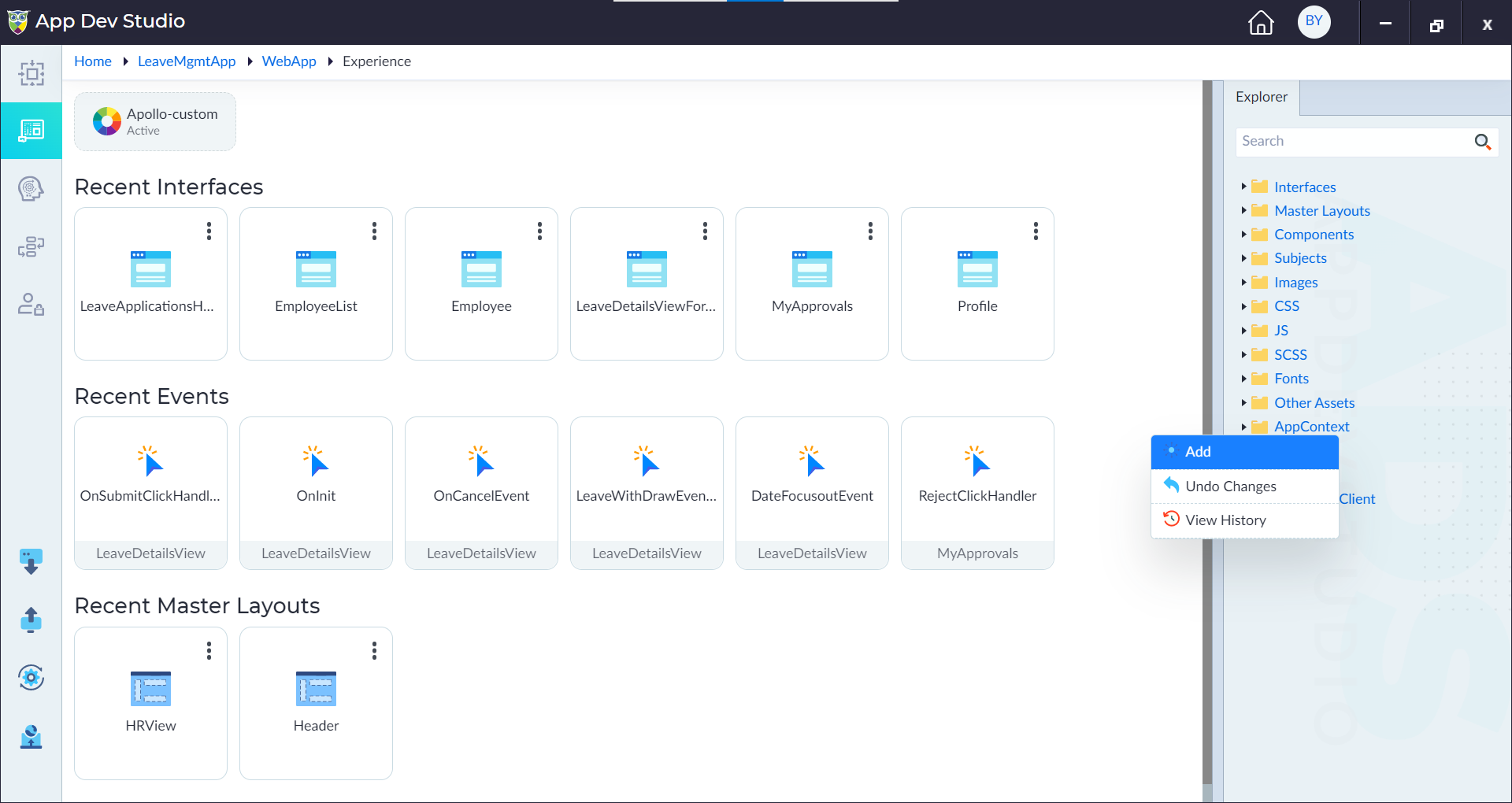
- From the explorer menu, right-click on App Context and select Add.
- In the popup window, configure the properties as required and then click Save.
| Property | Description | Comments |
|---|---|---|
| App Context Variable Name | Provide the name for the property. | Name must start with a character followed by alphanumeric or '_'. No spaces are allowed. Except underscore (_), no other special characters are allowed. Name cannot start with a number. |
| Is Array | Specify whether the App Context Variable is an array. Either Yes or No. | Default set to No. |
| Data Type* | Specify the data type of the App Context Variable. | - |
| Default value | Provide default value. | - |
| Key Type | Select the data type for the key type. | Supports only primitive types. |
| Value Type | Select the data type for the value type. | Supports primitive, complex except map type. |
| Is Array | Select the check box for the value type to be an array. | - |
Note: An asterisk (*) denotes that the property is mandatory for creating the AppContext.
The "AppContext property created successfully" message displays upon successful creation.