Undo Changes
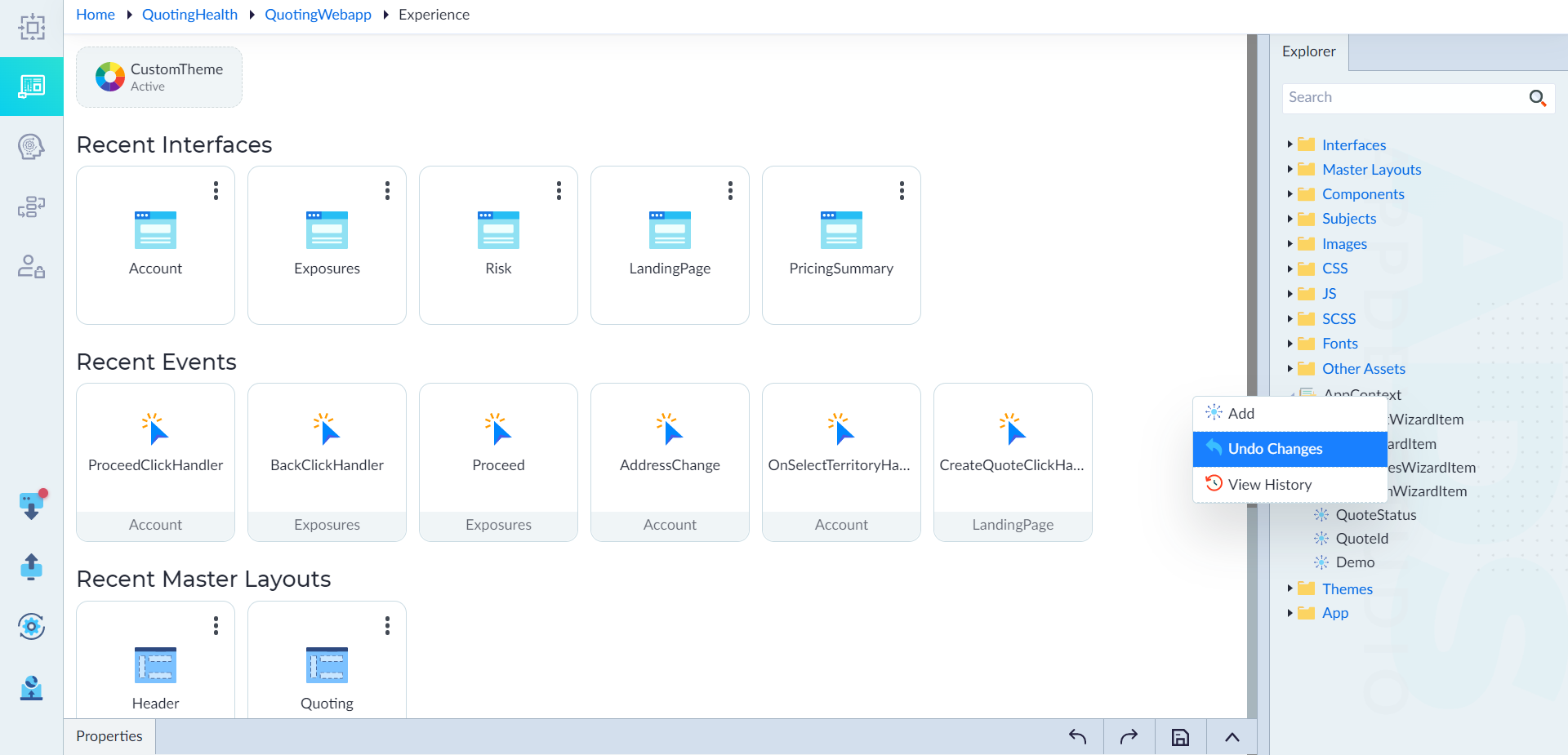
Follow the below steps undo changes to an app context.
- From the explorer menu, right-click AppContext and select Undo Changes. A confirmation message displays to confirm the undo changes.
- Click Confirm to undo the changes.
The recent changes will be reverted back to the previous original state. The "AppContext Undo Changes done successfully" message displays.