Add System Attributes (DB Entity)
Select System Attributes
-
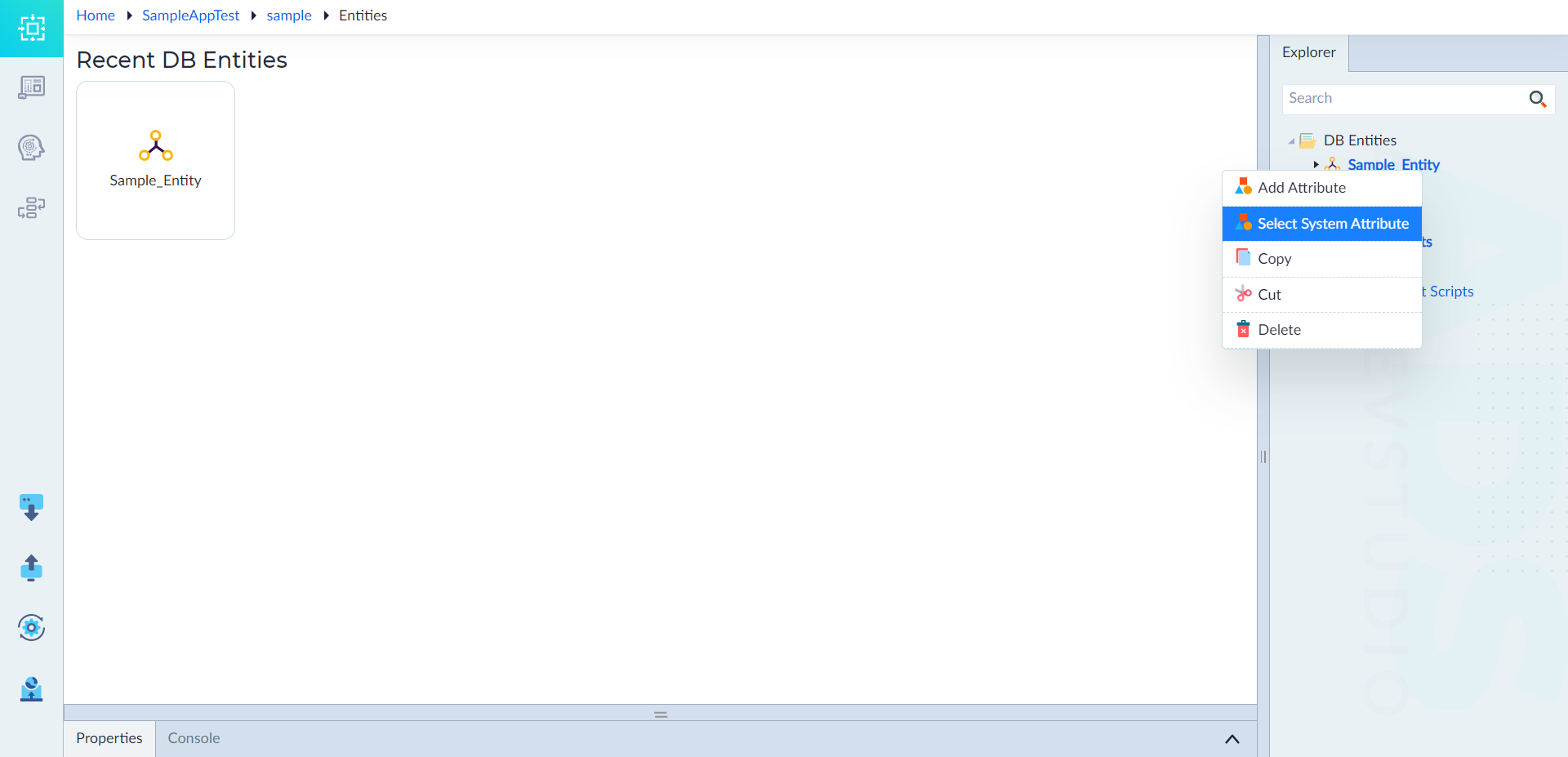
Open the DB Entities
- In the Explorer menu, right-click the created DB Entity.
- Select Select System Attribute.
-
Choose System Attributes
- In the Properties Panel, select the required system attributes from the list.
-
Save the Selection
- Confirm the selection.
- Upon successful application, the system displays: "DB Entity saved successfully".
Use Case Example
For an Order entity, adding system attributes ensures:
- CreatedBy → Tracks which user created the order.
- CreatedOn → Logs the date and time of order creation.
- LastUpdatedBy → Identifies who modified the order last.
- LastUpdatedOn → Records the last update timestamp.