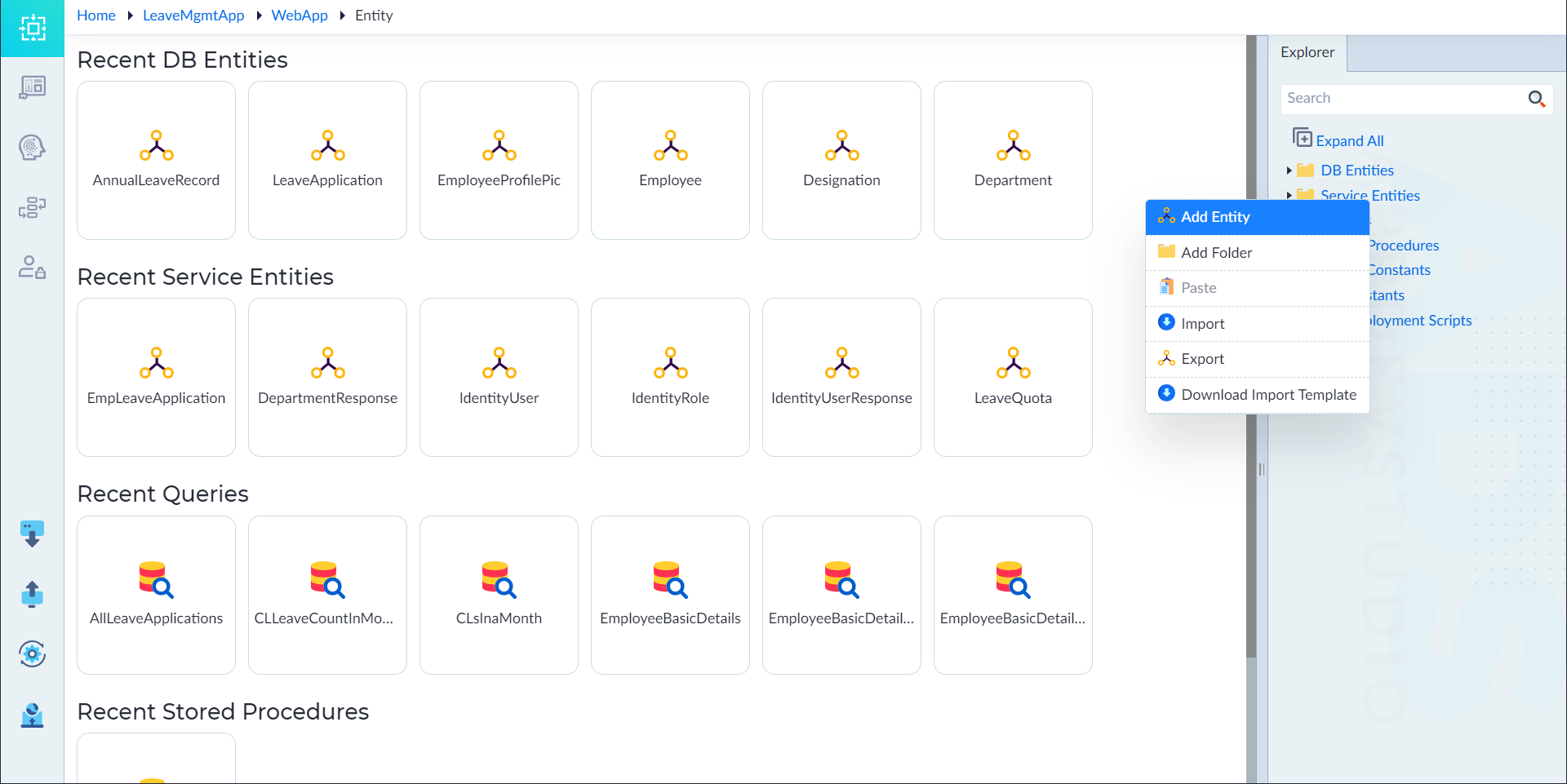
Create a Service Entity
Steps to Create a Service Entity:
- Navigate to the Explorer Menu.
- Right-click Service Entities and select Add.
- In the properties panel, configure the required properties.
- Click Save to create the entity.
- A confirmation message "Entity Added Successfully" appears upon successful creation.
- An ID attribute is automatically assigned to the entity.
Properties of a Service Entity
| Property | Description | Comments |
|---|---|---|
| Name* | Specifies the name of the service entity. | Must start with an uppercase letter. Only alphanumeric characters and underscores (_) are allowed. No spaces or special characters. Cannot start with a number. Maximum length: 50 characters. |
| Is Multipart Formdata | Indicates whether form data includes file uploads. | Accepts either Yes or No (default: No). Applicable for handling multipart data submissions. |
| Is Active | Specifies if the entity is currently active. | Accepts either Yes or No (default: Yes). Inactive entities cannot be accessed. |
| Description | Provides a description of the entity. | Optional. Useful for documentation and reference. |
Note: An asterisk (*) denotes that the property is mandatory for creating a service entity.