Delete System Attributes (Service Entity)
Follow the below steps to delete the system attributes in the service entity.
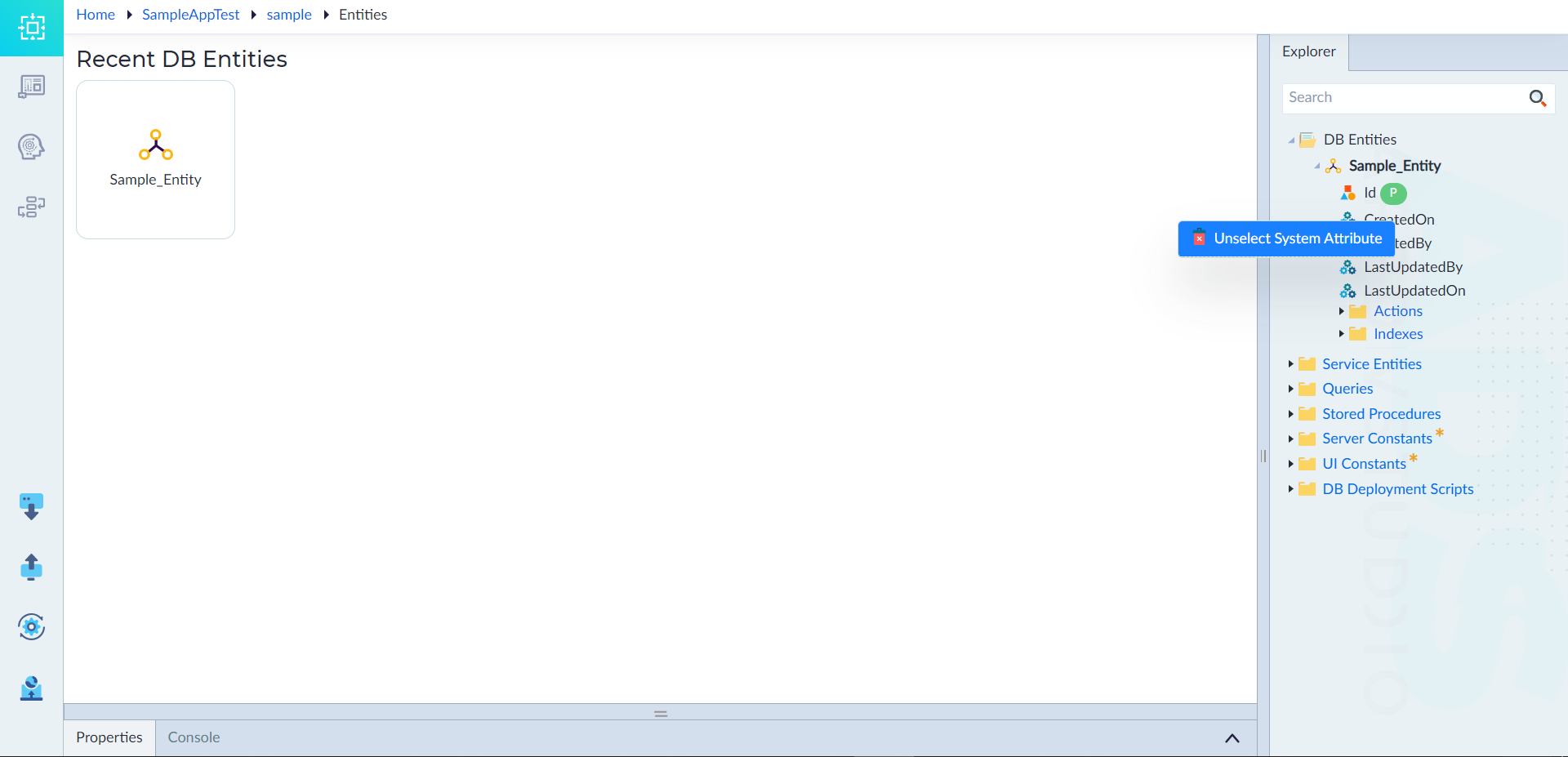
- From explorer menu, right-click the system attribute under an entity and select Unselect System Attribute.
The Delete pop-up window displays to confirm the deletion. - Click Confirm to delete.
The "System attribute deleted successfully" message appears upon successful deletion.