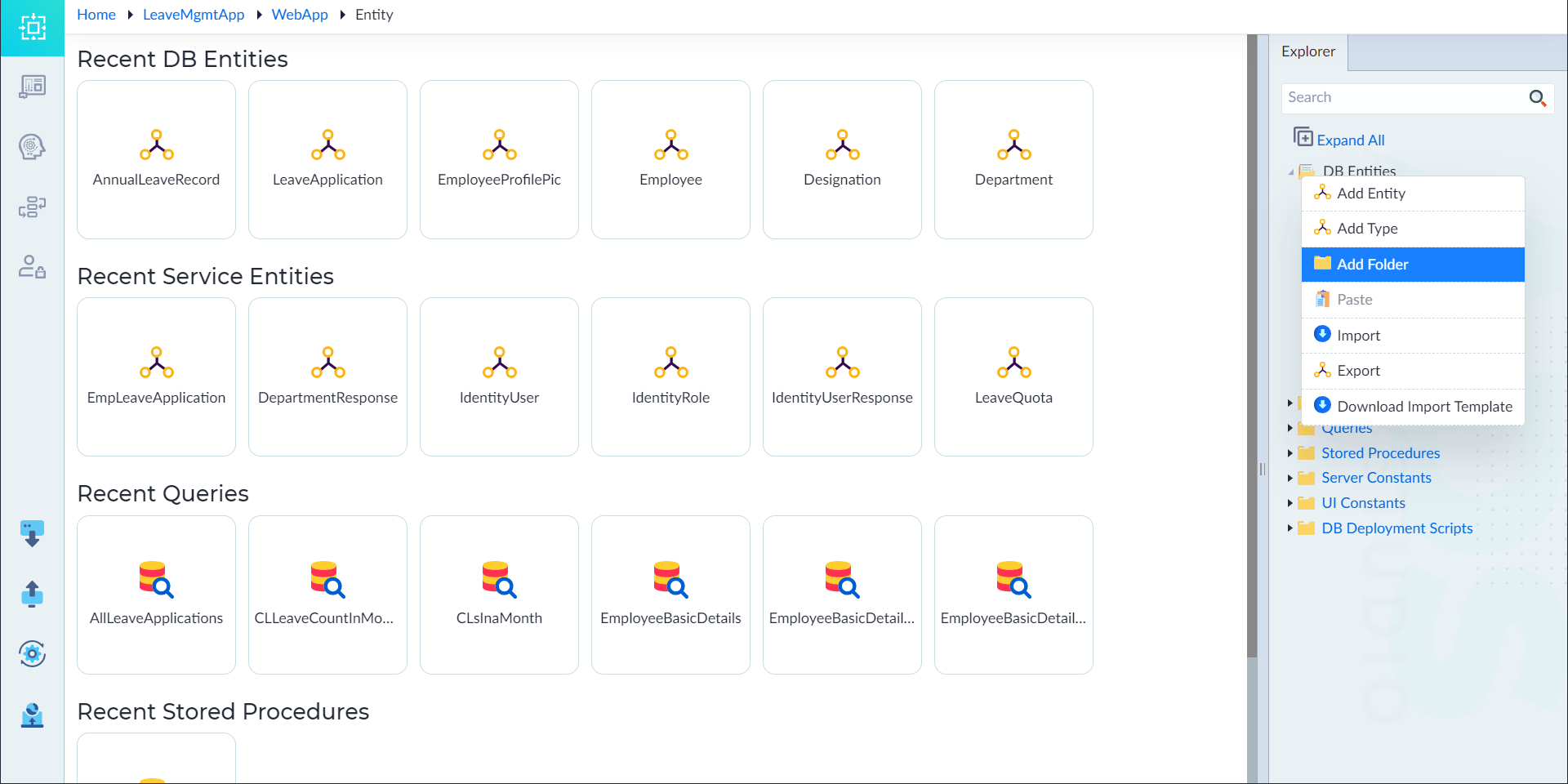
Segregate DB Entities
For better management and accessibility, users can create a collection of entities in a specific folder using the cut, copy and paste operations. Follow the below steps to segregate DB entities.
- From the explorer menu, right-click DB Entities and select Add Folder.
- Provide a name for the folder as required.
- Right-click the entity and select the Cut (or) Copy options as applicable.
- Right-click the folder and select Paste to segregate entities inside the created folder.\
IMPORTANT Users can add multiple entities to the folder, including hierarchical namespace structures incorporating dots. To do so, right-click the folder and select add Entity.
For instance, users can define namespaces such as "Namespace1.SubNamespace1" or "Namespace2.SubNamespace2" to establish nested organizational structures.