Edit an Attribute
Follow the below steps to edit an attribute in DB entity.
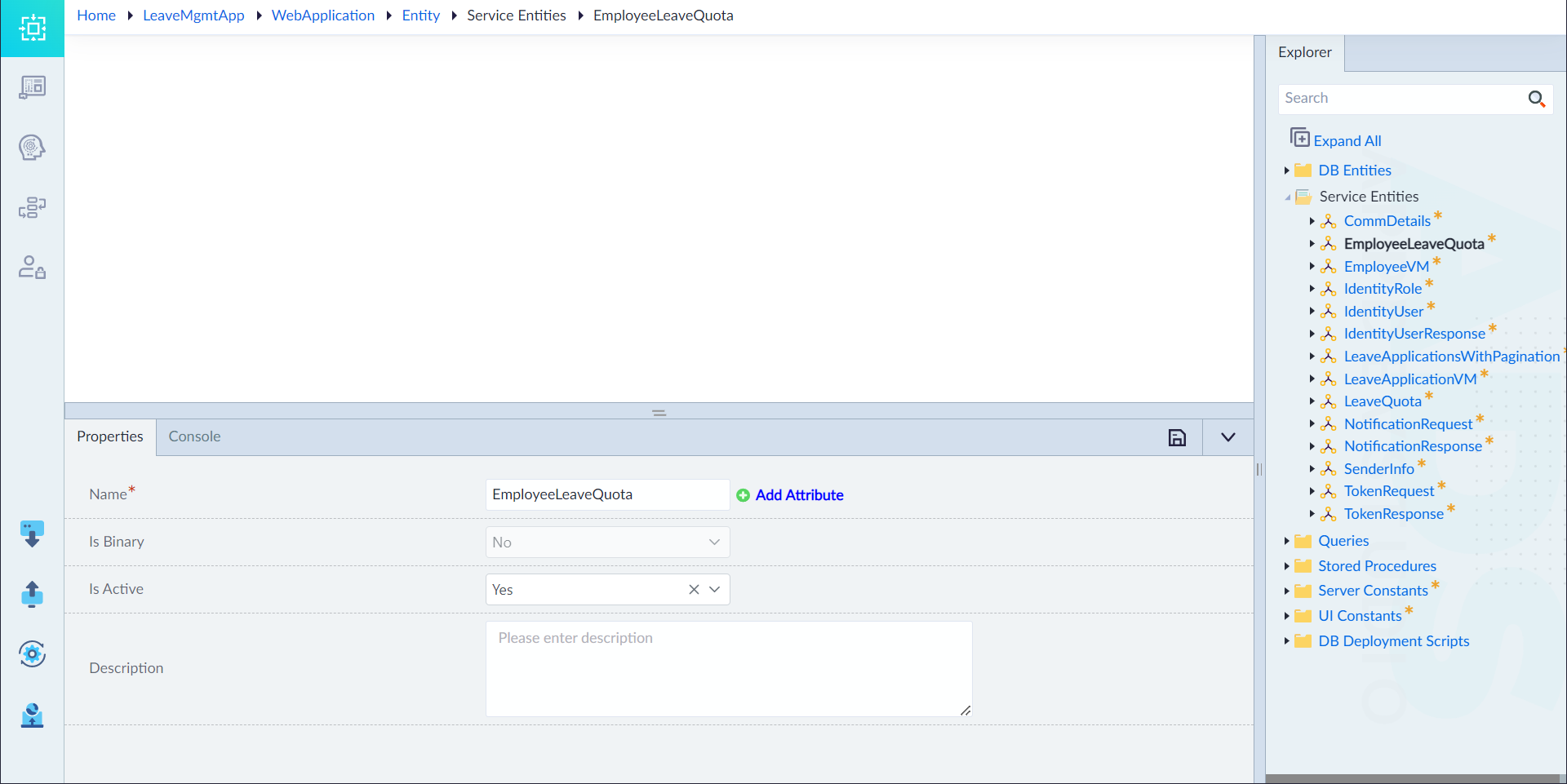
- From the explorer menu, double-click the attribute that needs to be edited inside an entity. The property panel slides up from the bottom.
- Edit the configured properties of an attribute as required and click save icon. For more information on properties, refer to "Add Attribute" section in Create DB Entity.
The "Attribute Updated Successfully" message appears upon successfully updating the attribute.