Manage a Constant
Users can edit the constants as required and can even delete the constants that are no longer in use. Follow the below sections to manage constants.
Edit a Constant
Follow the below steps to edit a constant.
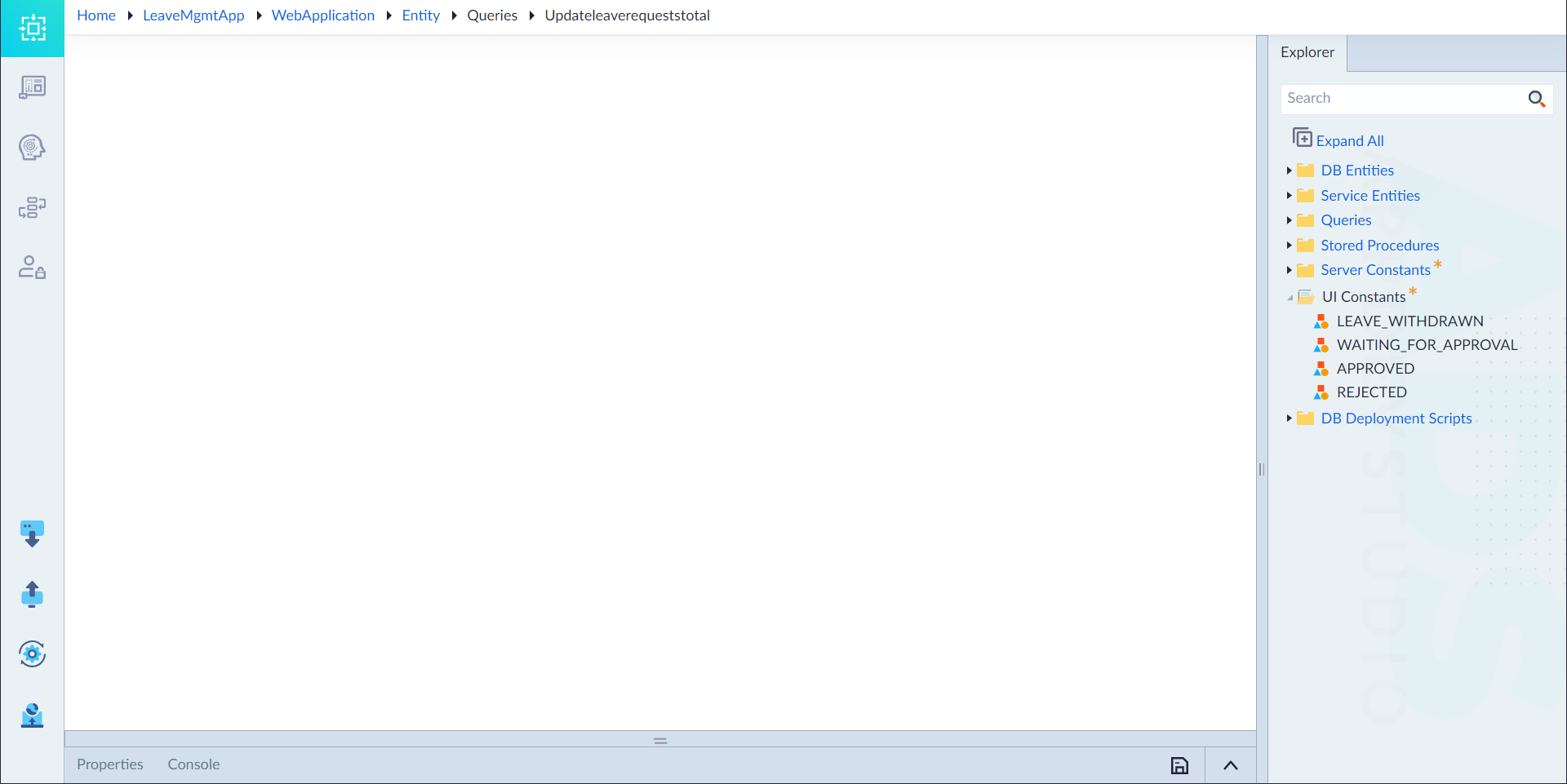
- From the explorer menu, double-click the constant in Server constant (or) UI constant folder.
- In the properties panel, edit the configured properties as required and click save icon. For more information on properties, refer to Create Constant.
The "Constant updated successfully" message appears upon successfully updating the constant.
Delete a Constant
Follow the steps given below to delete a Server constant (or) UI constant:
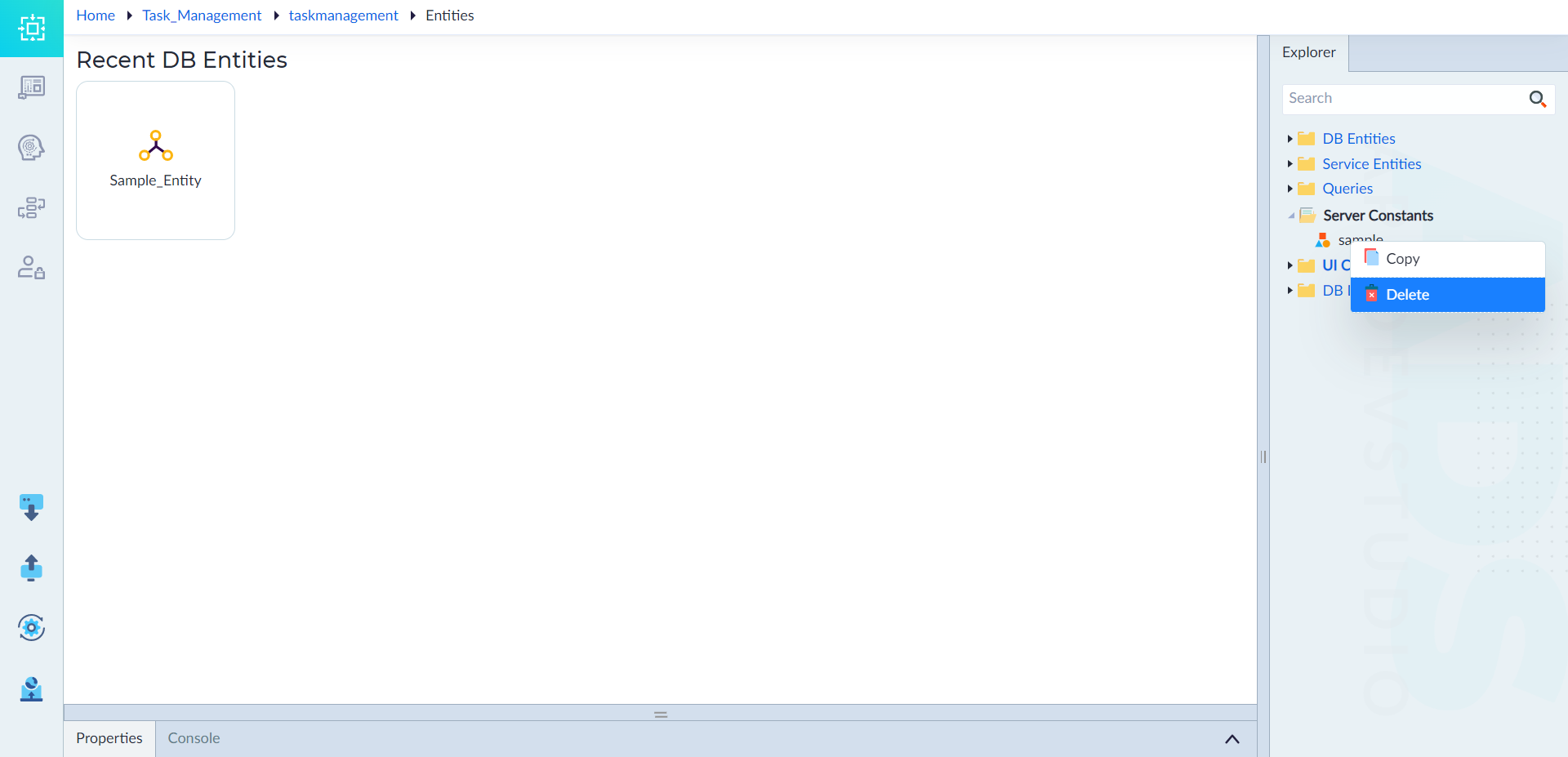
- From the explorer menu, right-click a constant in Server Constants (or) UI Constants and select Delete.
The delete confirmation pop-up window displays. - Click Confirm to delete the constant.
The "Constant Deleted Successfully" message appears upon successful deletion.