Create Validation Groups
Follow the steps given below to create a validation group:
-
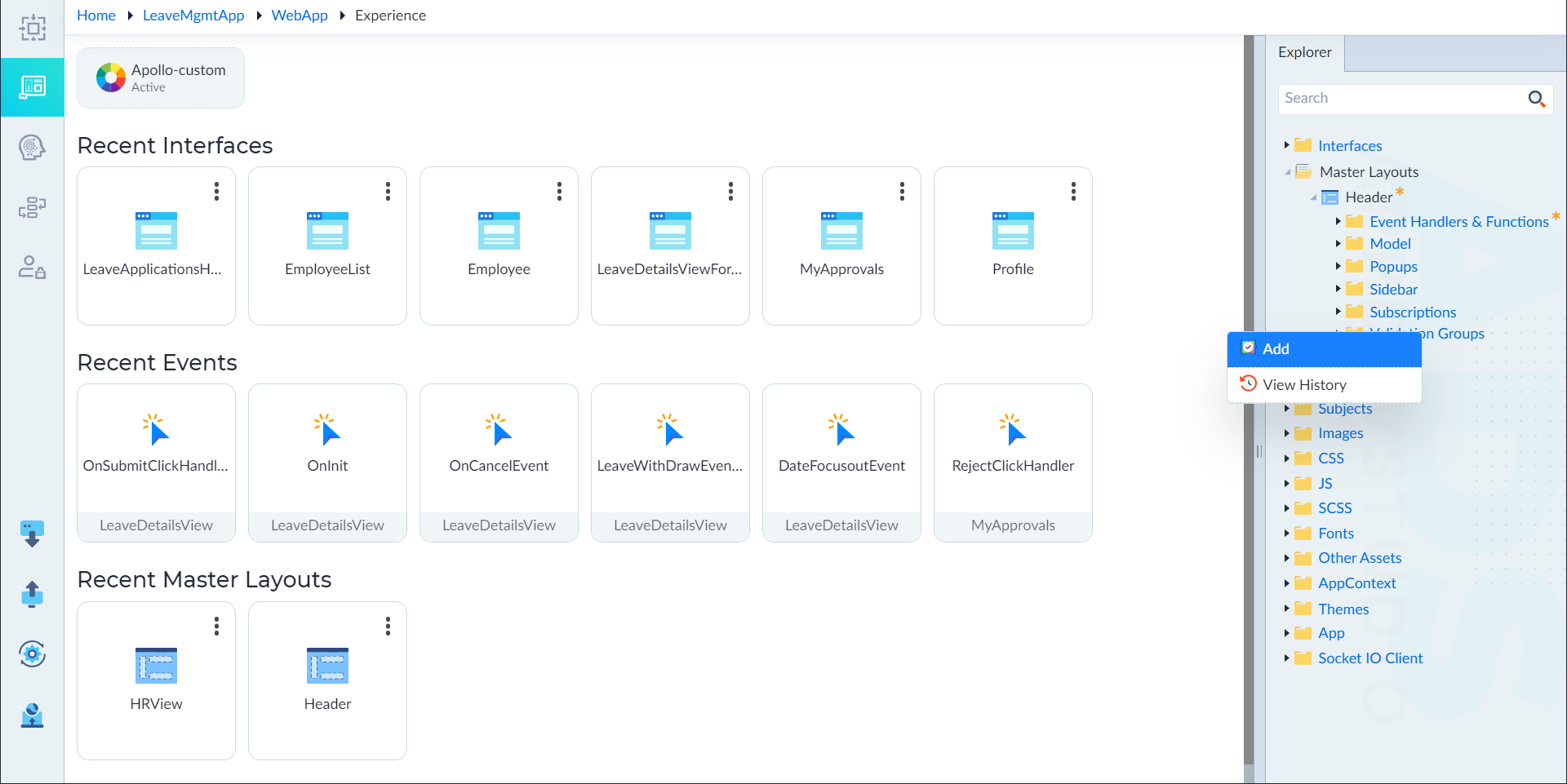
From Explorer, right-click Validation Groups in an interface (or) master layout (or) component and select Add.
-
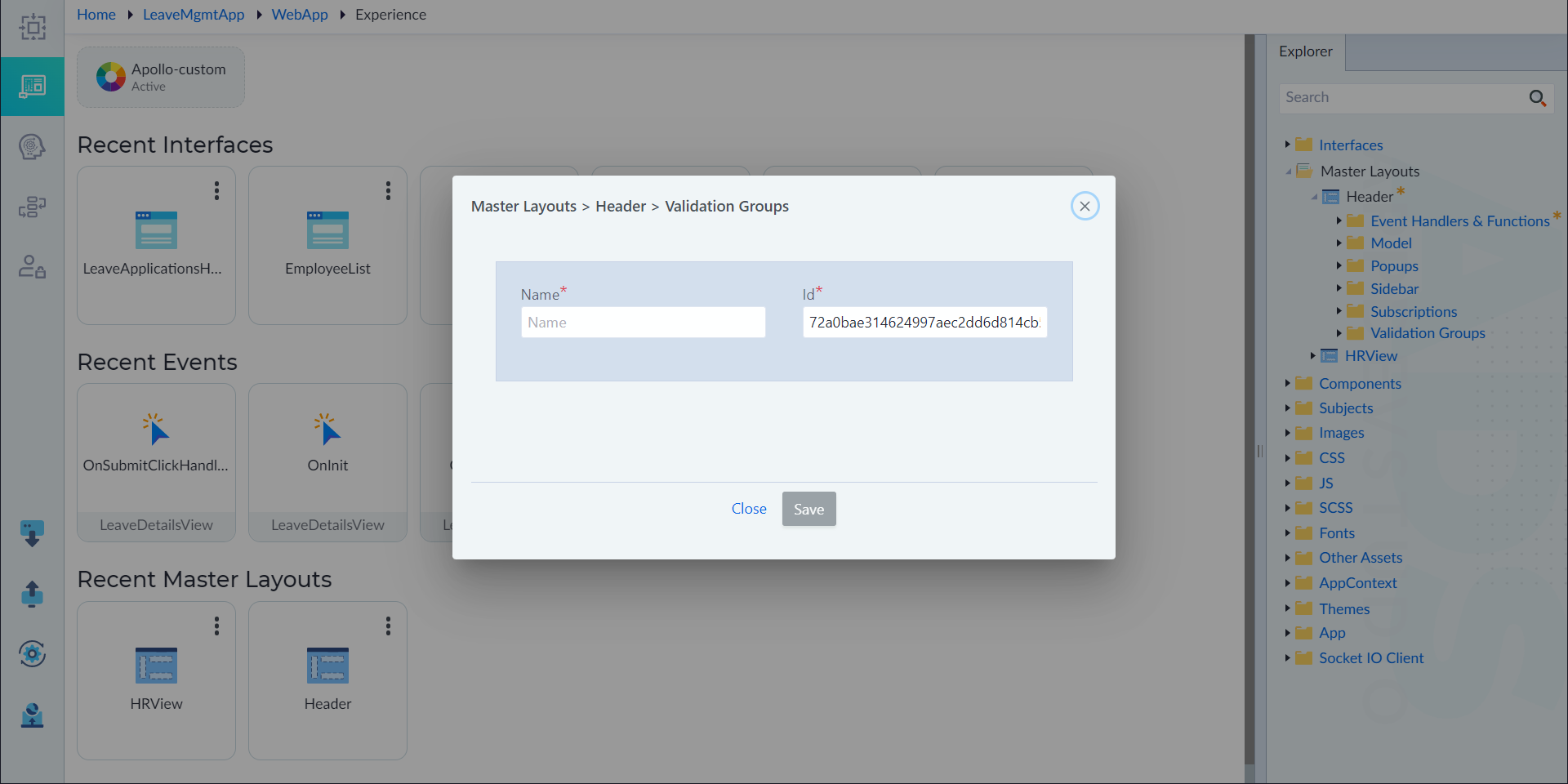
In the properties panel, configure the below properties as necessary and click save.
| Property | Description | Comments | | --- | --- | --- | | Name* | Provide the name of the constant. | - | | Id* | Provide an unique identifier. | By default, id is automatically generated. |
note
An asterisk (*) denotes that the property is mandatory for creating a validation group.
The "Validation Group added successfully" message appears upon successful creation.