Create Subscription
Create Subscriptions
Follow the below steps to create a new subscription:
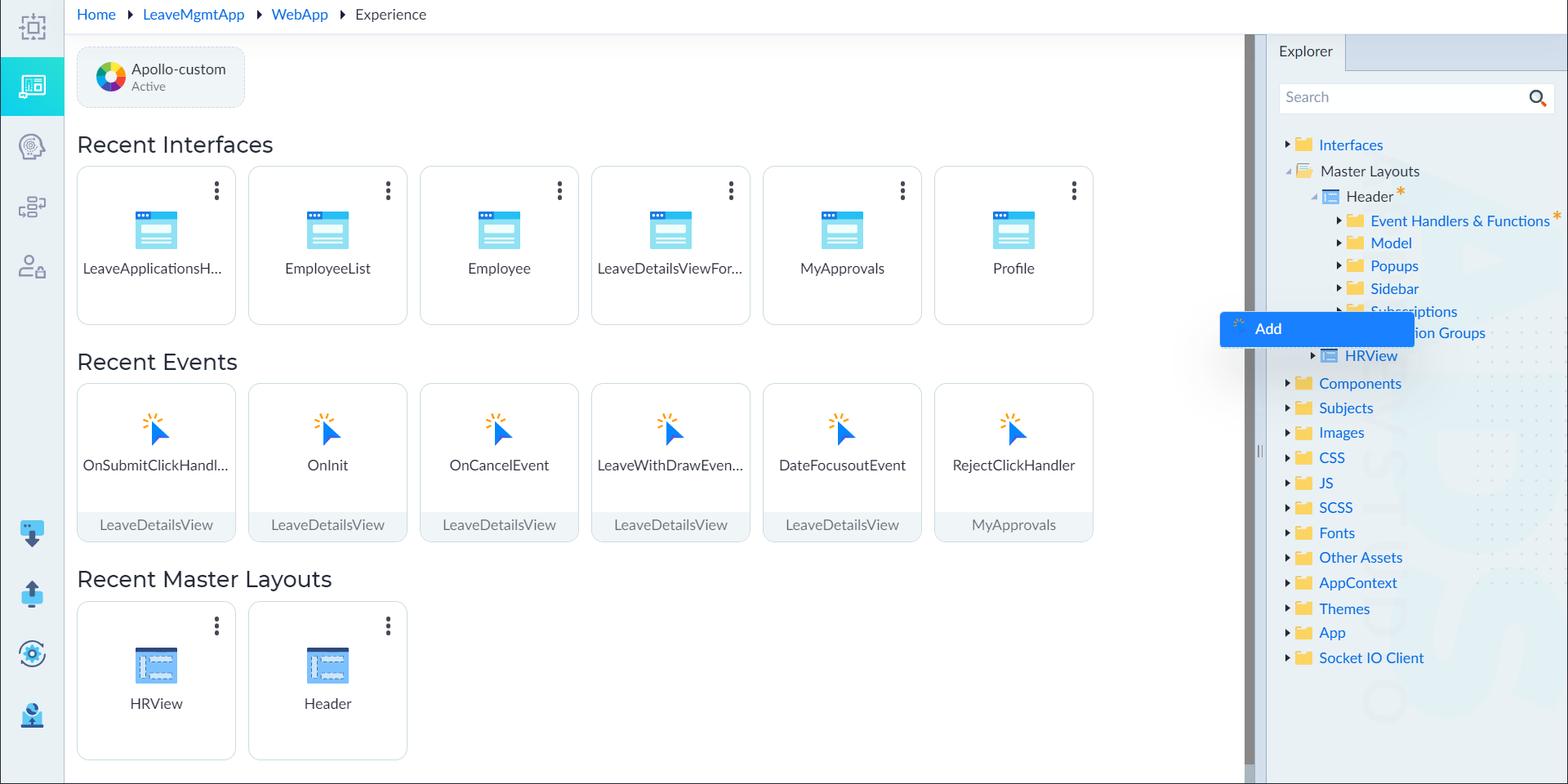
- From the explorer menu, right-click Subscriptions in an interface (or) master layout (or) component and select Add.
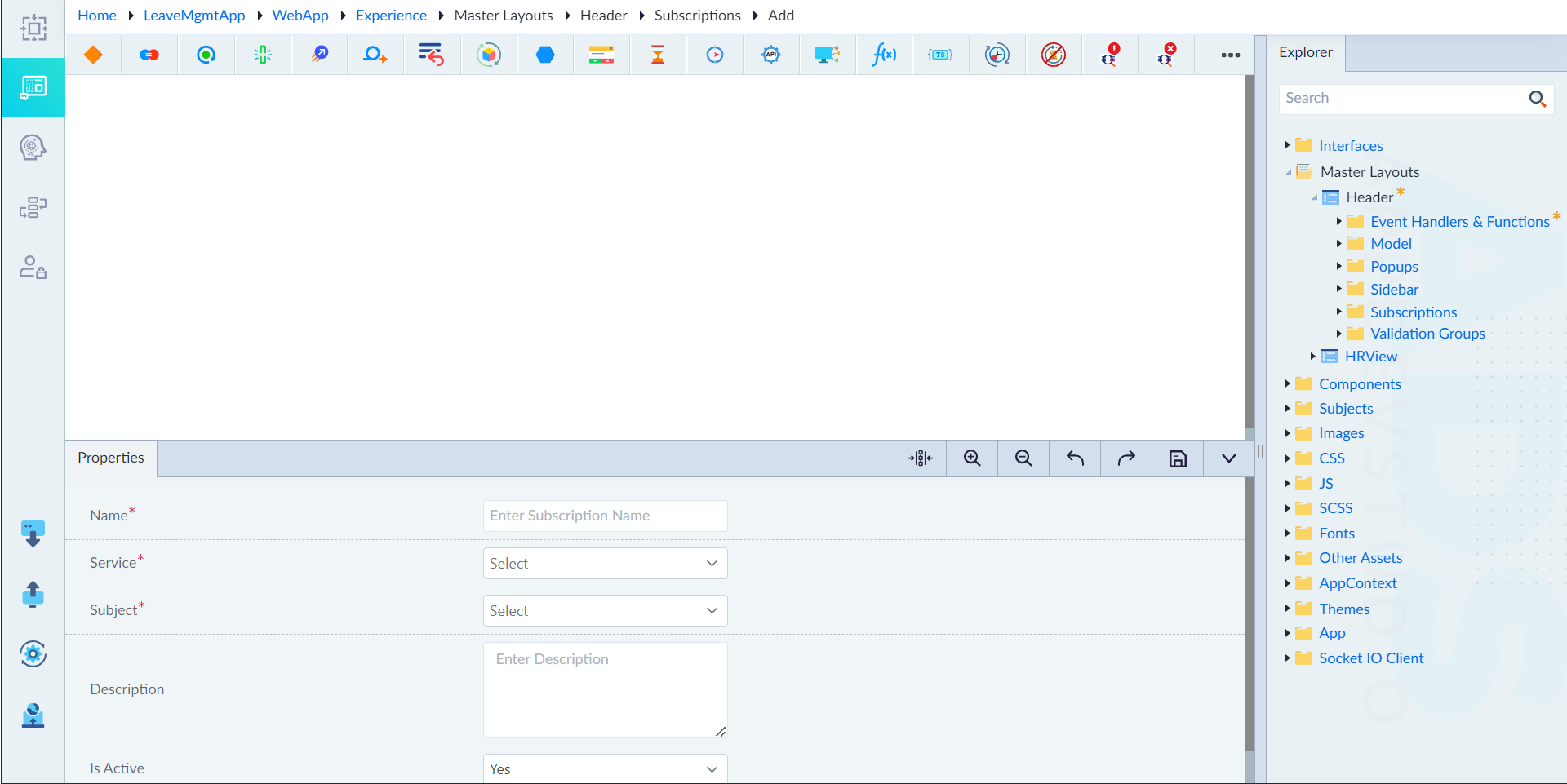
- In the properties panel, configure the properties as required and then click save.
| Property | Description | Comments |
|---|---|---|
| Name* | Provide the name of an event. | Name must start with a character followed by alphanumeric or ''. No spaces are allowed. Except underscore (), no other special characters are allowed. Name cannot start with a number. |
| Service* | Select the service. | - |
| Subject | Select the subject. | - |
| Description | Provide the summary. | - |
| Is Active | Specify whether the event is active for accessing or not. Either Yes or No. | By default, it is set to Yes. |
note
An asterisk (*) denotes that the property is mandatory for creating a subscription.
The "Subscription added successfully" message displays upon successful creation.
- The subscription designer canvas shows the Start and Stop constructs by default. From the ribbon, add the required constructs and configure them as required inside the flow to create a logic.
- Click save.
The "Subscription updated successfully" message displays upon successful update.