Create Sidebar
Follow the below steps to create a sidebar:
-
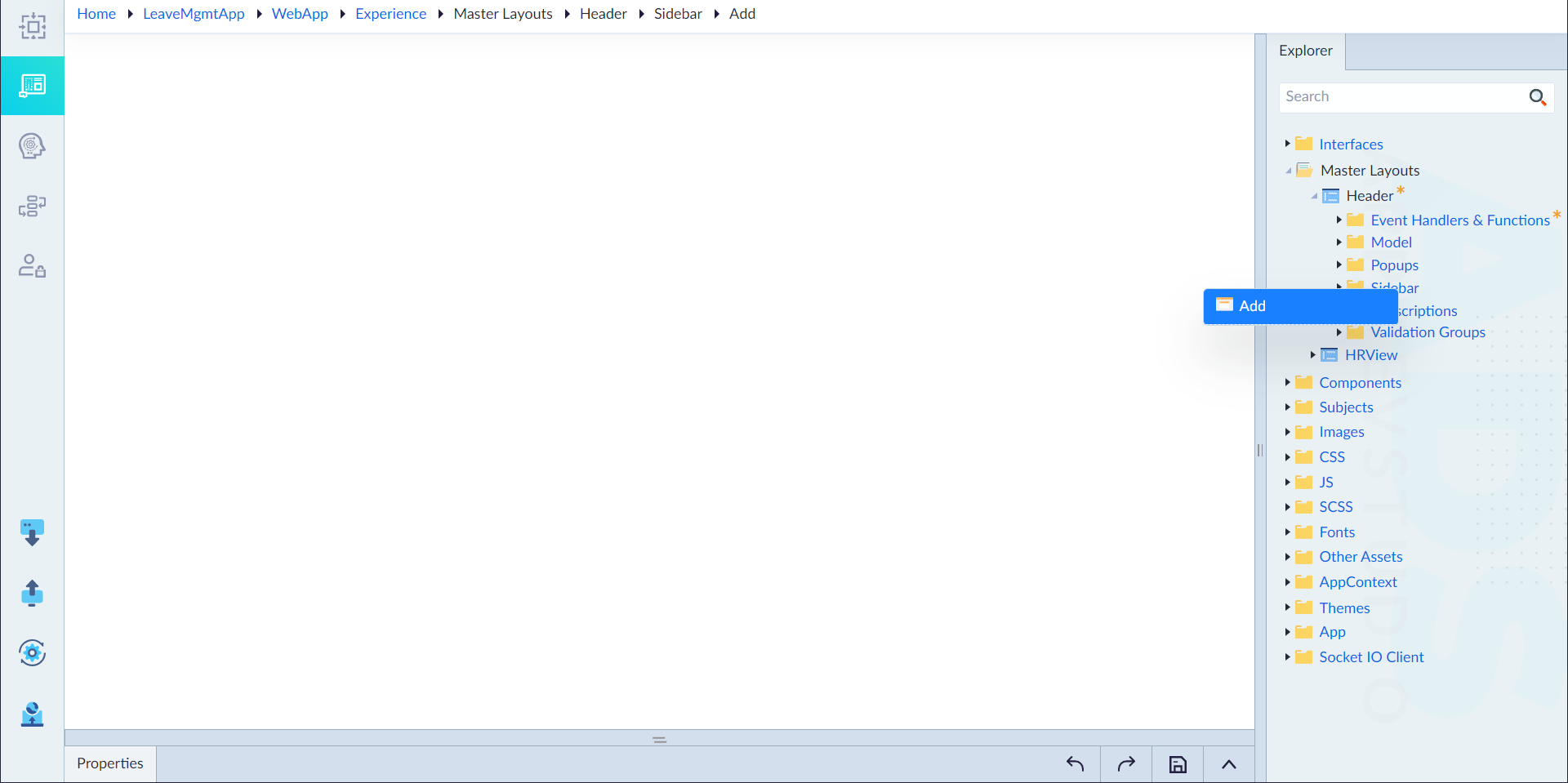
From the explorer menu, right-click Sidebar in a master layout and select Add.
-
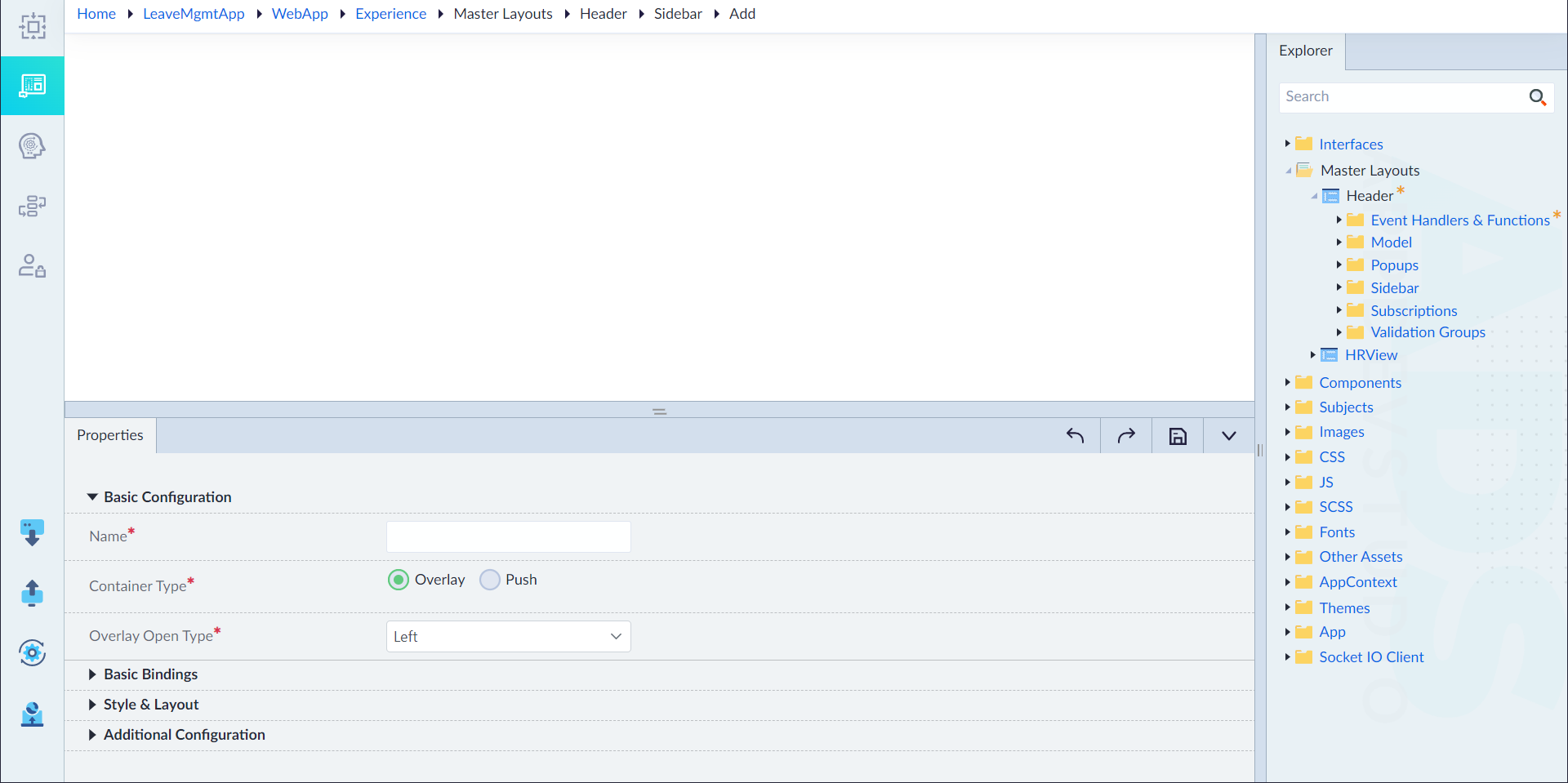
In the properties panel, configure the properties as required and then click save icon.
| Property | Description | Comments | | --- | --- | --- | | Basic Configuration | | | | Name* | Provide the name of the sidebar. | Name must start with a character followed by alphanumeric or ''. No spaces are allowed. Except underscore (), no other special characters are allowed. Name cannot start with a number. | | Container Type* | Choose the container type as required. Either Overlay or Push. | - | | Overlay Open Type* | Select the overlay open type as required. | - | | Basic Bindings | | | | Visibility | Provide the expression as required. | This sidebar will be visible only if the expression validated to true. | | On Close | Select the event for on close. | - | | On Open | Select the event for on open. | - | | Style & Layout | | | | Width | Provide the weight. | - | | Unit | Select the type of unit. | - | | Additional Configurations | | | | Id* | Provide an unique identifier for reference. | By default, an id is generated automatically. | | Transition option | Provide the transition time in ms. | - |
An asterisk (*) denotes that the property is mandatory for creating a sidebar.
The "Sidebar created successfully" message displays upon successful creation.
- In the sidebar canvas, design the sidebar using the widgets as required and click save.