Indexes
Indexes are used to improve the efficiency of data access in entities. They are automatically created when a user creates relationship between two entities. For instance, creating an index for department_Id in the employee table makes the department_Id easily searchable.
important
Creating too many indexes during entity modeling can lead to performance issues such as slower data inserts, updates, and deletes, increasing storage space usage, and longer backup and restore times. It can also lead to unnecessary complexity and maintenance overhead.
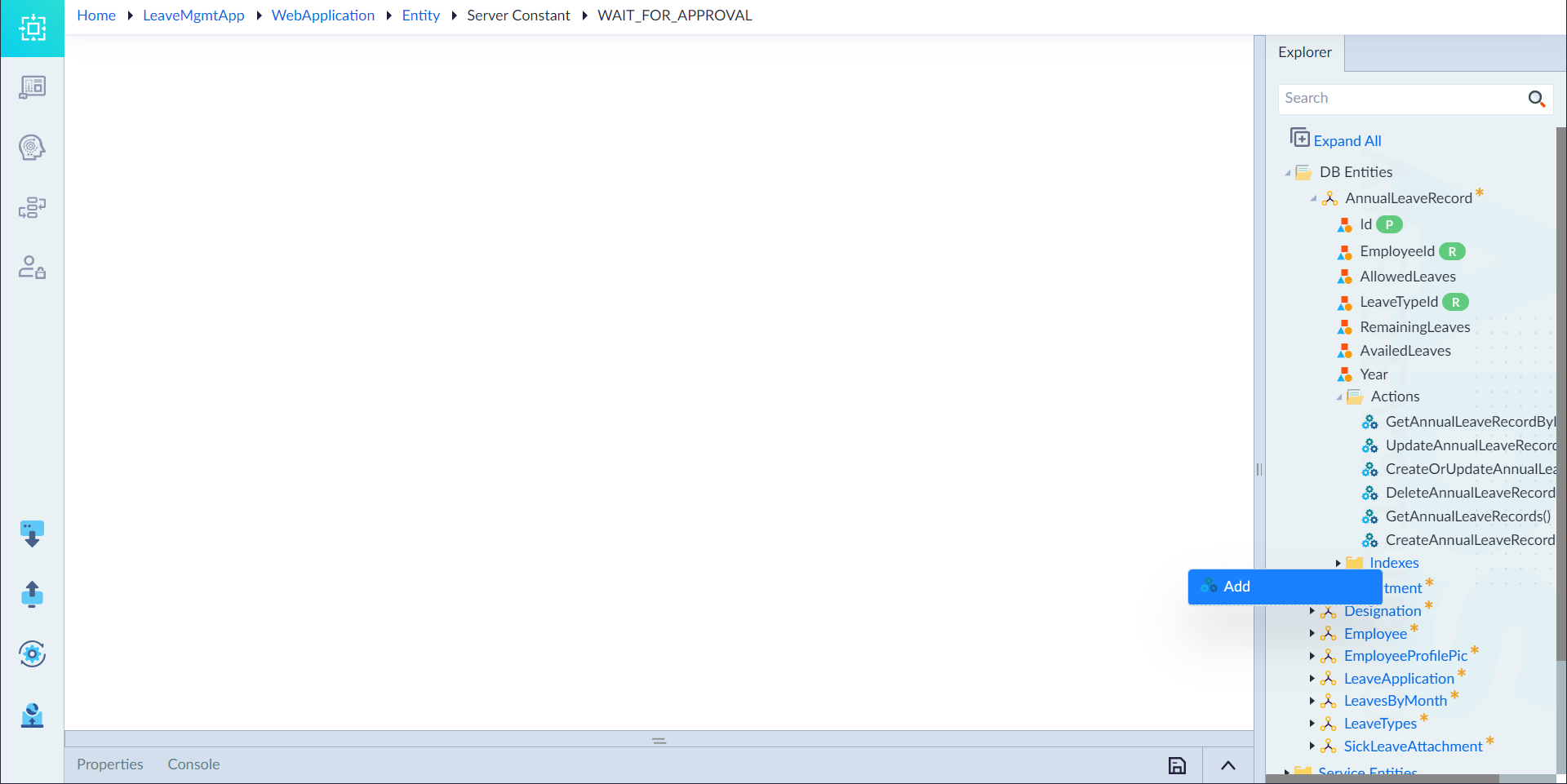
Follow the below steps to create indexes:
- Right-click Indexes in the entity and select Add.
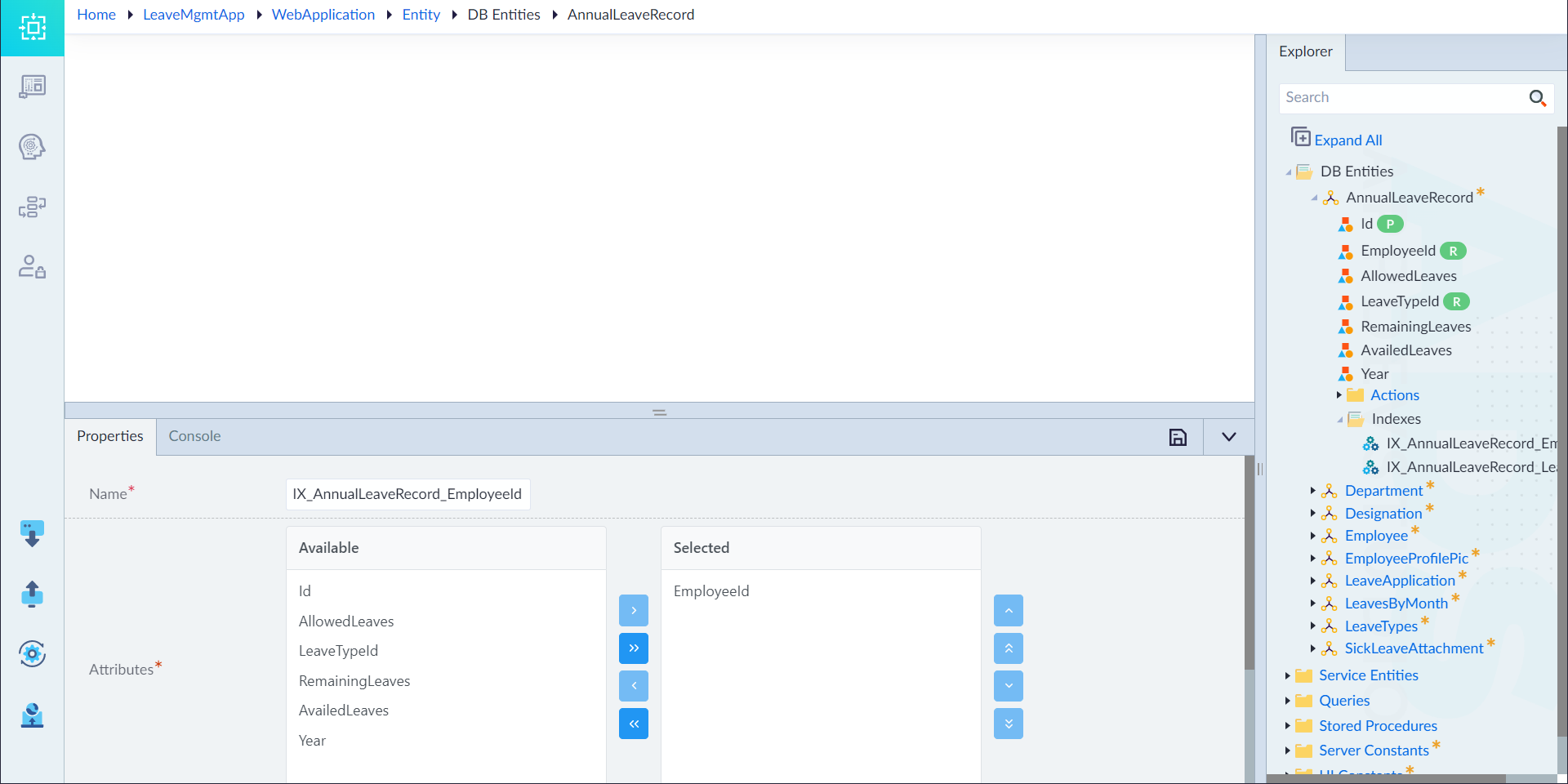
- Configure the below properties as required and then click save.
| Property | Description | Comments |
|---|---|---|
| Name* | Provide the name of the index. | Name must start with a character followed by alphanumeric or ''. No spaces are allowed. Except underscore (), no other special characters are allowed. Name cannot start with a number. |
| Attributes* | Select the required attributes for creating an index. | To select the attributes from the list of available attributes, click the > and >> buttons. User can also drag and drop the attributes from Available column to Selected column. User can remove the attributes with drag and drop functionality or by using < or << buttons. |
| Description | Provide the summary. | - |
note
An asterisk (*) denotes that the property is mandatory for creating an index.
The "Index added successfully" message appears upon successful creation.